Radiant Raw
 Radiant Photo


Radiant Flow
Rate in Flow. Mylio Photos reads it from the sidecar.
When a photo changes in two apps › MylioRadiant Flow › Settings › Sidecars
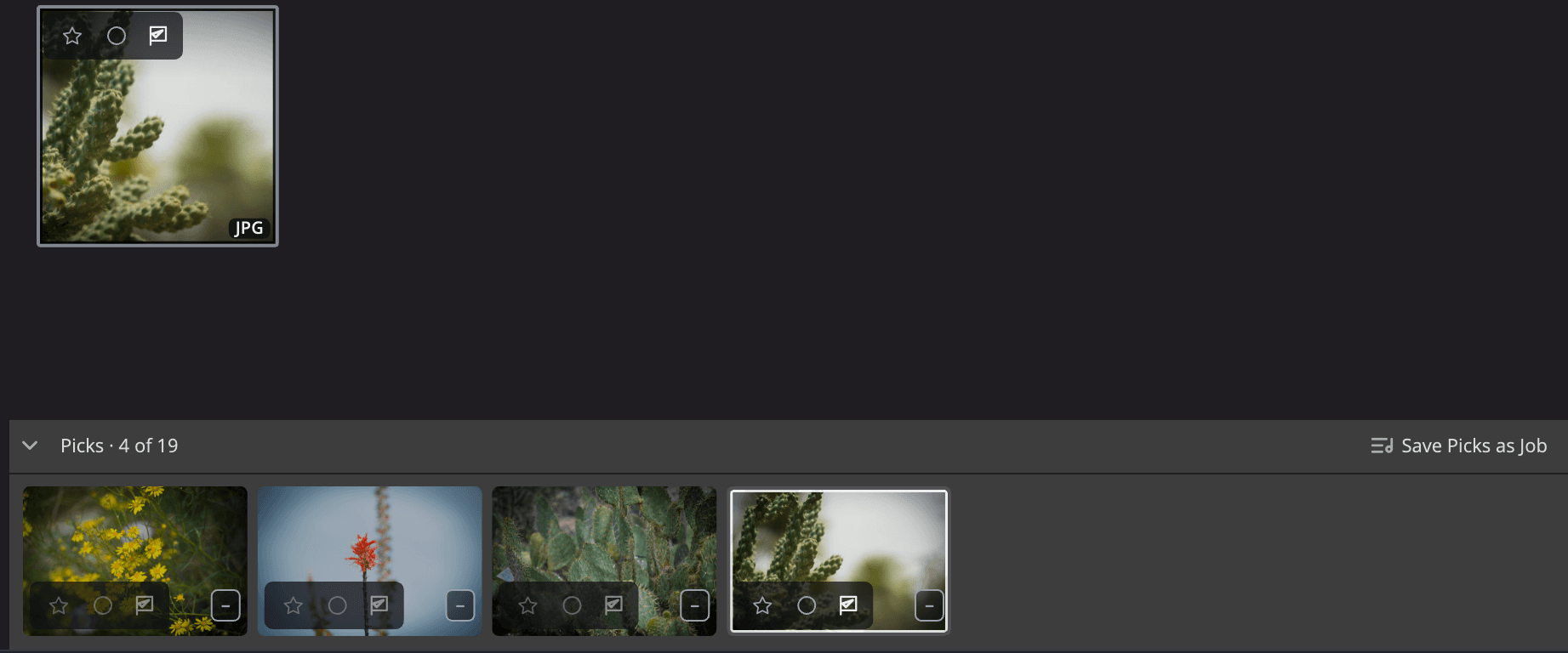
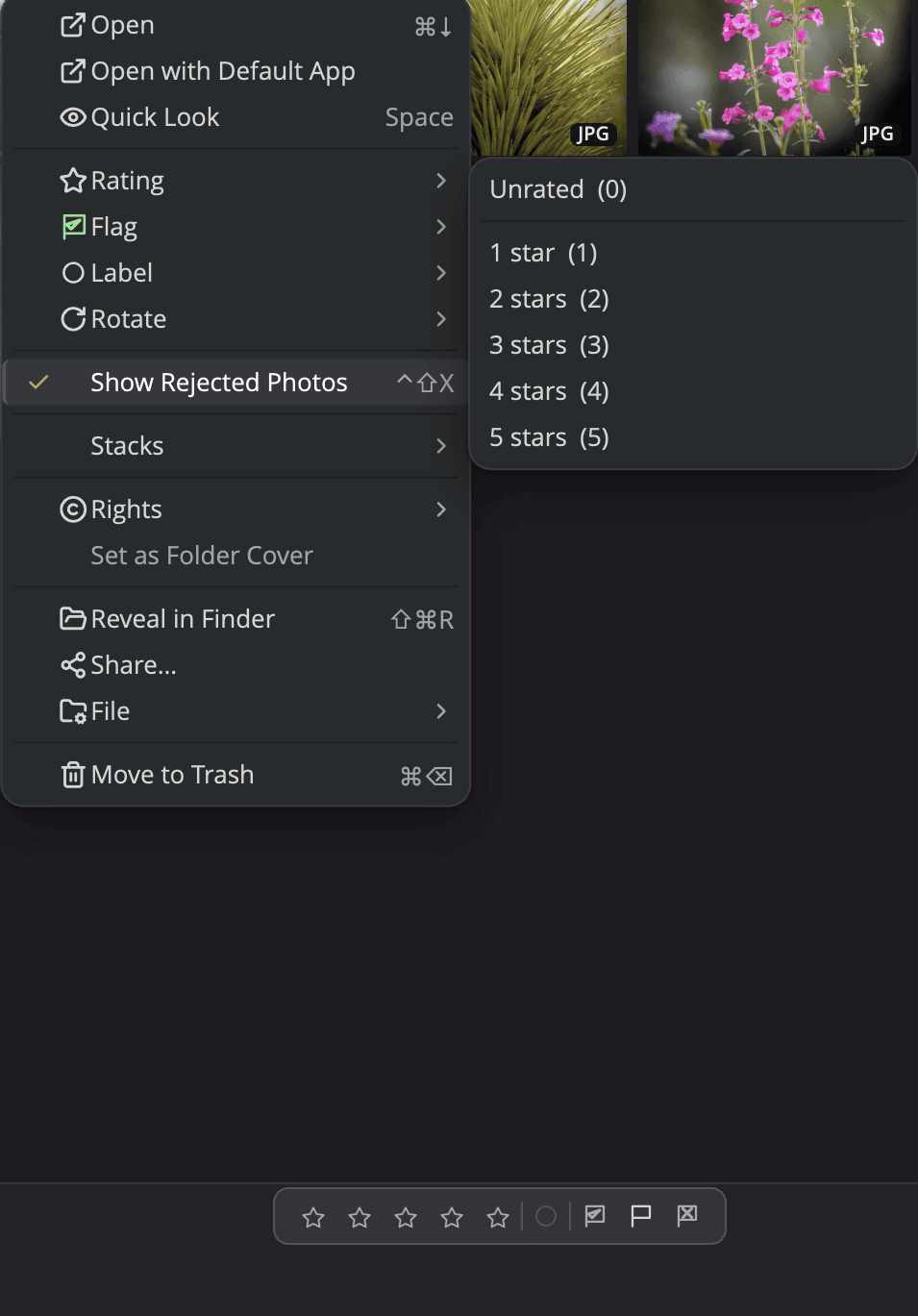
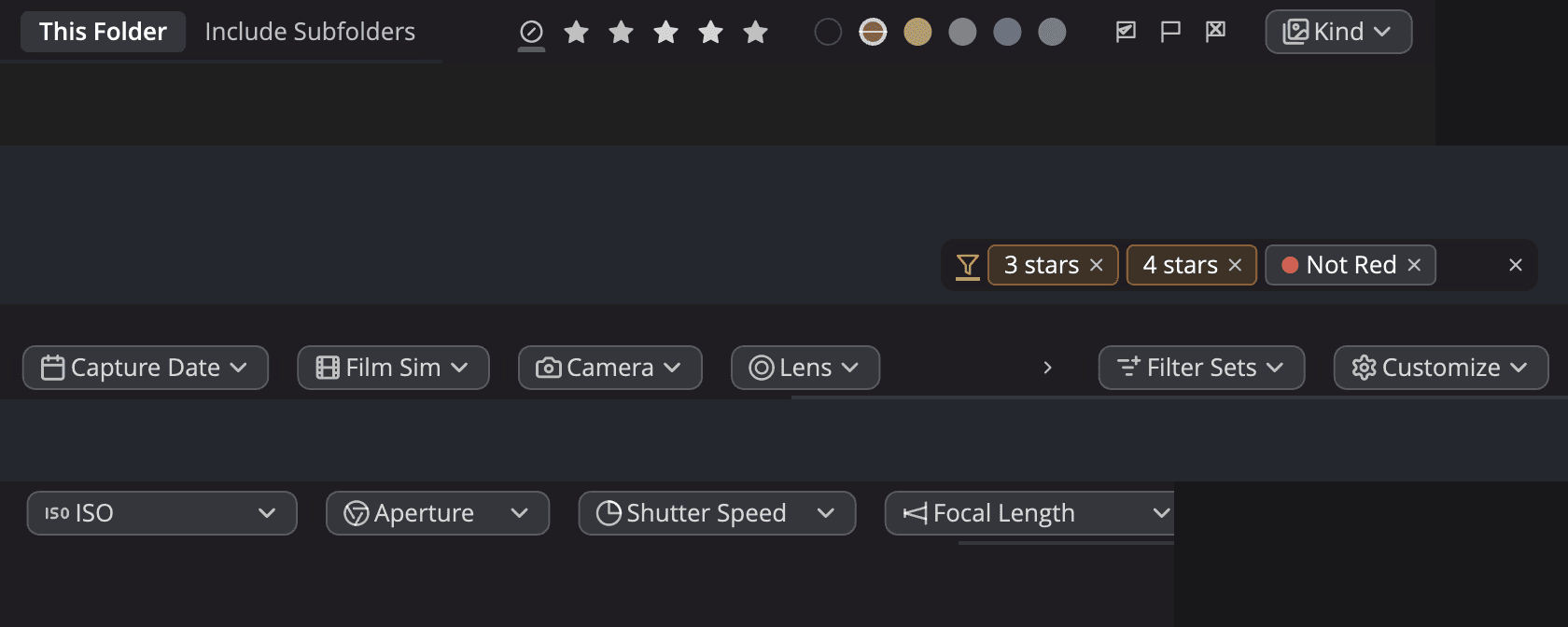
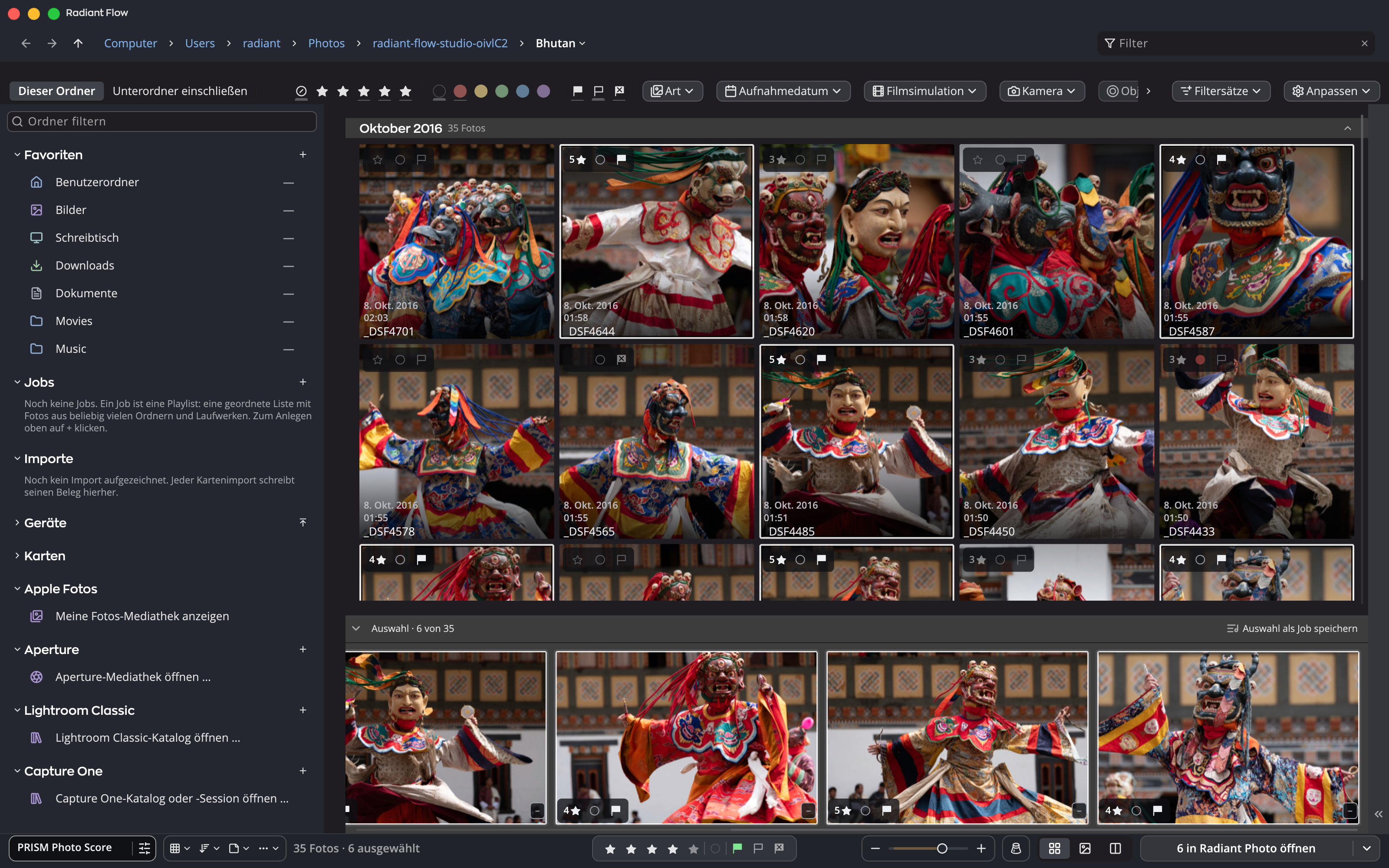
Radiant Flow and Mylio Photos can look at the same folders. The stars, color labels and rejects you set in Flow go into the .xmp sidecar beside each photo, where Mylio Photos reads them, and the rating, flag or color label you change in Mylio Photos comes back to Flow through the same file.
 Radiant Flow
The sidecar beside each photo
- DSCF4412.xmpNo marks yet
- DSCF4118.xmpNo marks yet
- DSCF4266.xmpNo marks yet
Select a photo, then rate, label or reject it.
A model of what Radiant Flow writes, not Mylio Photos’ window. The pause before the sidecar updates is the demo’s. Foto: Elia Locardi
How it works
- Open in Radiant Flow a folder that Mylio Photos also shows.
- Rate, label and reject as usual. Flow writes a raw file’s marks to the sidecar named after it: IMG_0001.CR3 gets IMG_0001.xmp.
- A reject is written as a rating of −1, which Mylio reads as a reject.
- If Mylio already keeps a sidecar beside a JPEG, TIFF or DNG, Flow updates that sidecar too, so Mylio sees your marks.
- Change a rating, a flag or a color label in Mylio Photos, and Flow reads it back from the sidecar.
Where you save time
- Cull once, for bothThe stars and rejects from a fast cull in Flow are in Mylio Photos without marking anything twice.
- Nothing to sendThere is no export and no import. Both apps read the small file that sits beside each photo.
- You decide who winsIf a photo changed in both apps, the Mylio row decides which change stays: Mylio wins, Radiant wins or Newer change wins.
Good to know
- Flow reads and writes the photo’s own file and the .xmp beside it. It never opens Mylio’s catalog or anything else in its library folders.
- The marks Flow reads back from Mylio Photos are the rating, the flag and the color label.
- Mylio wins unless you change the row.