
Inside the other app
A plug-in, a filter or an extension puts Radiant in the other app’s own menus. You start there, edit in Radiant, and the result lands back where you started.
Works with…
Radiant Flow, Radiant Raw and Radiant Photo are made to work beside the apps photographers already run. Here is what each one does with each of them: what goes out, what comes back, and what both sides can read.
In Radiant Flow
 Radiant Raw
 Radiant Photo


At a glance
Choose an app you already use to see which Radiant apps connect to it, and which way things go. The table under the map has all seven at once.

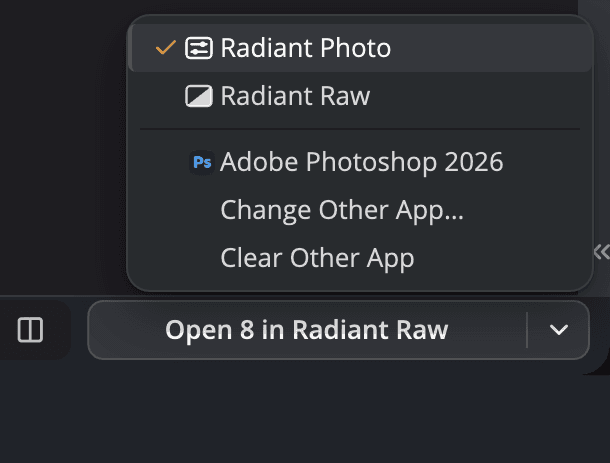
Radiant FlowOpen In sends your photos to one other app you choose, such as Photoshop.
←Out of Radiant
Radiant RawNothing to connect

Radiant PhotoA filter, a panel and actions inside Photoshop, with Smart Filters you can reopen.
⇄Both ways| Seven apps, and what each Radiant app does with them. | Radiant Flow | Radiant Raw | Radiant Photo |
|---|---|---|---|
| Photoshop | Open In sends your photos to one other app you choose, such as Photoshop. | Nothing to connect | A filter, a panel and actions inside Photoshop, with Smart Filters you can reopen. |
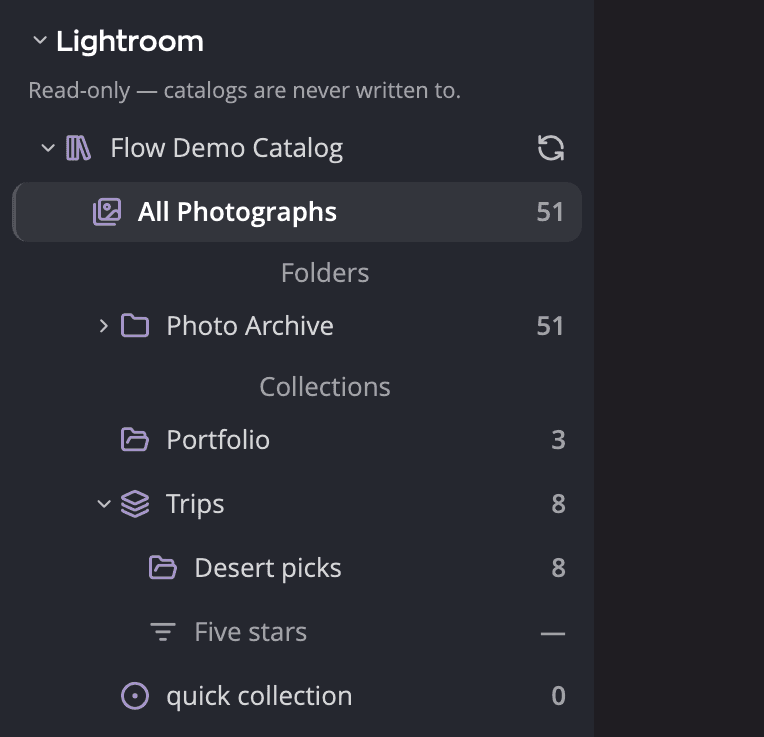
| Lightroom Classic | Opens your catalog. The ratings, flags, labels and keywords you set go back through the plug-in. | Edit in Radiant Raw… sends the original raw file, and the result comes back stacked. | Commands under Plug-in Extras for one photo or a whole batch, plus Export To and Publish. |
| Apple Photos | Browses your Photos library on a Mac without changing it, and opens copies in Radiant Photo. | Nothing to connect | An extension inside Photos’ own Edit view, and Edit With for every tool. On a Mac. |
| Capture One | Opens catalogs and Sessions. On a Mac, ratings, color tags and keywords go back to Capture One. | Edit With › Radiant Raw sends the original raw file, and a 16-bit TIFF comes back as a new variant. | Edit With and Quick Look bring each result back as a new variant. Publish saves finished files to a folder. |
| Mylio Photos | Writes ratings and rejects the way Mylio reads them, and Send Job to has a row for Mylio. | Reads back the ratings, flags and color labels Mylio sets, and writes its own marks to the same sidecar. Its raw engine is powered by Mylio. | Open with › Radiant Photo in Mylio Photos. You edit a copy, and Save and Return sends it back. |
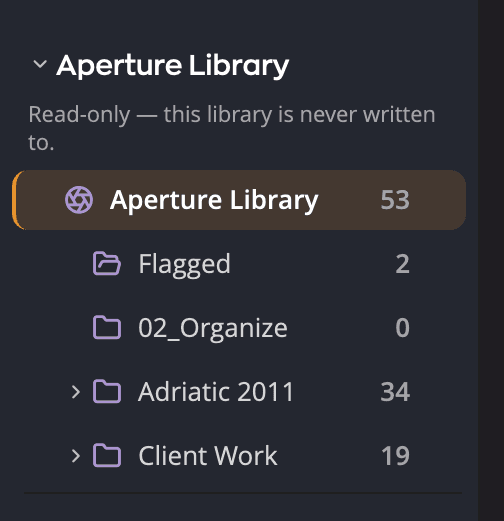
| Aperture | Opens an Aperture or iPhoto library without changing it. Rescue Aperture Library… copies its originals out. | Nothing to connect | Nothing to connect |
| Photoshop Elements | Nothing to connect | Nothing to connect | The Radiant Photo filter in the Photo Editor’s Expert mode, for Elements 2022 to 2027. |
What it looks like
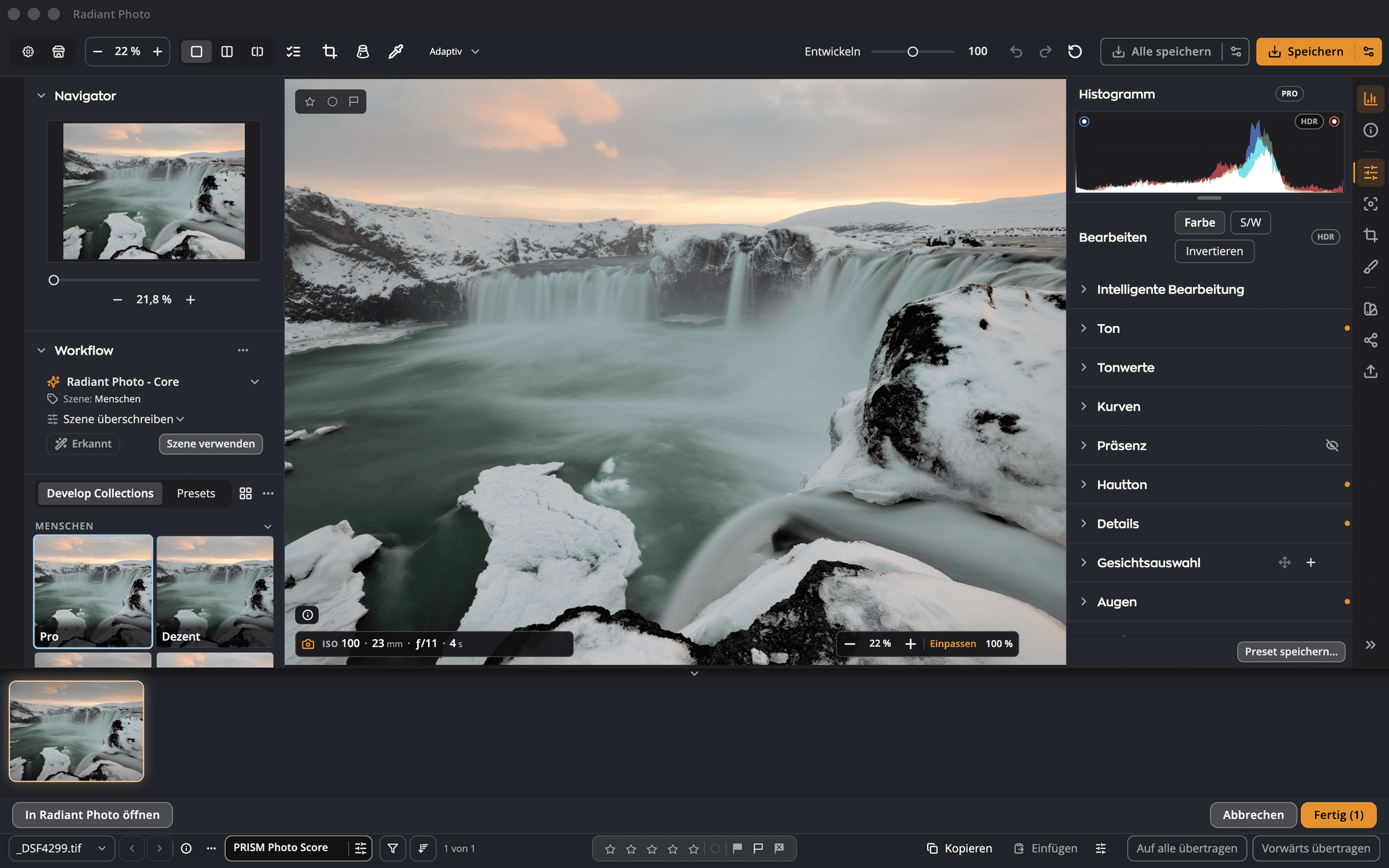
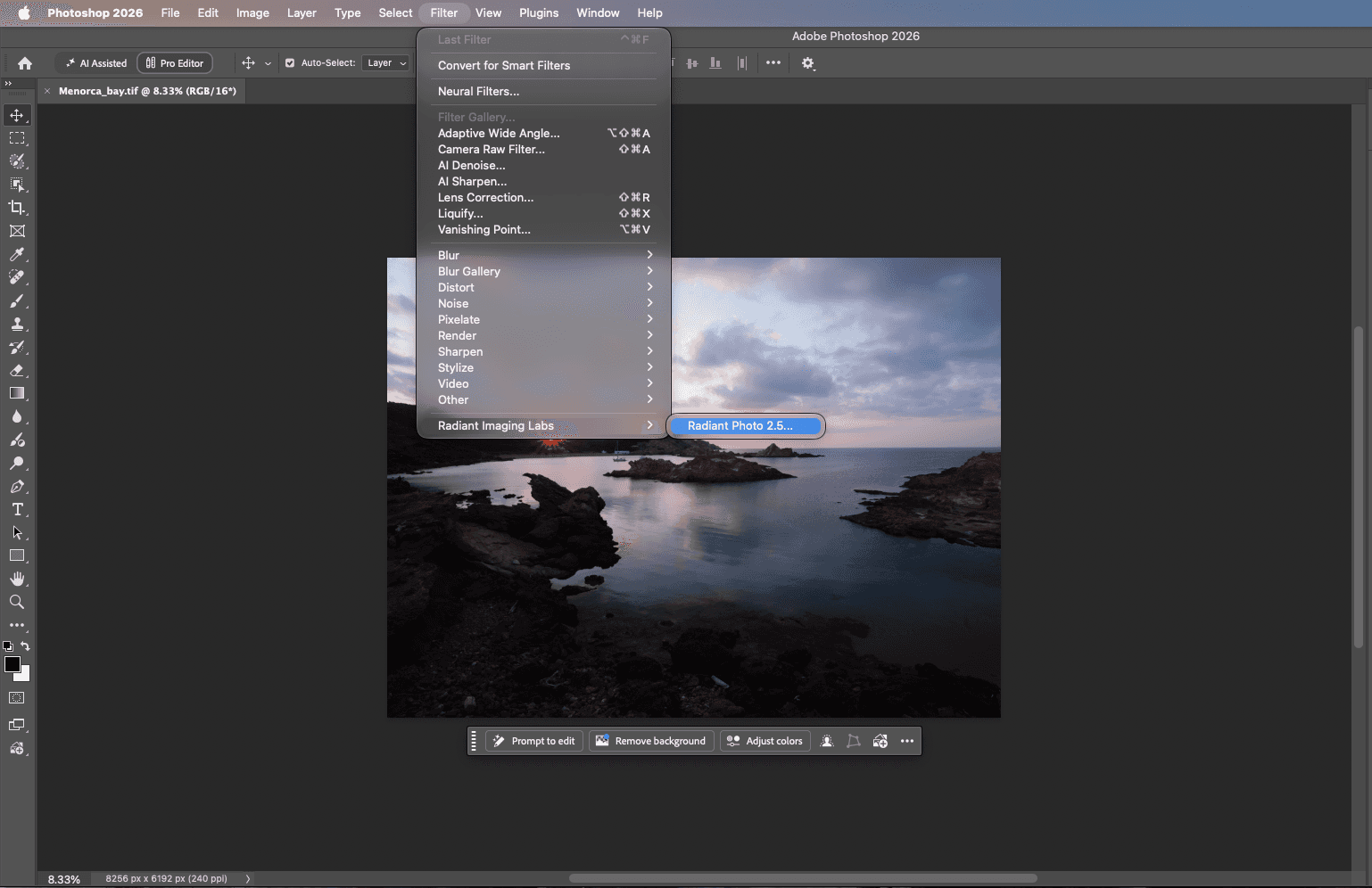
How they work together
A plug-in, a filter or an extension puts Radiant in the other app’s own menus. You start there, edit in Radiant, and the result lands back where you started.
Radiant Flow opens a Lightroom Classic catalog, a Capture One catalog or Session, a Photos library or an Aperture library where it is. Nothing is imported, and Flow never writes the library’s own files.
Ratings, labels and keywords go into standard .xmp sidecars, under the name Lightroom Classic and Bridge look for. Results come back as a TIFF or a JPEG, and in Lightroom Classic as a DNG if you prefer.
Questions
No. Every page here is about working beside it: your catalog, library or documents stay where they are, and Radiant adds a step you can take or leave.
It depends on the step. Radiant Flow is for looking through a shoot and marking it. Radiant Raw develops raw files. Radiant Photo finishes the picture, and its installer brings the plug-ins. Each app’s page says which one does what.
Mostly. Apple Photos is a Mac app, so that page is for a Mac. Two-way sync with Capture One is on a Mac only, and Mylio Photos’ Open with is checked on a Mac so far. Each page has a row for what you need.
Ein Workflow
Choose it above, or try Radiant Photo free: its installer adds the plug-ins.


