Skip to content

Perfect photos

in just seconds.

Open an image. Apply smart corrections. Share stunning results — without hours of tweaking or a steep learning curve.

100% Local Processing

No cloud upload, ever

NO Generative AI

Your photos stay authentic

Non-Destructive

Original pixels always preserved

Free Trial

Full access, no credit card

30-Day Guarantee

Money back, no questions

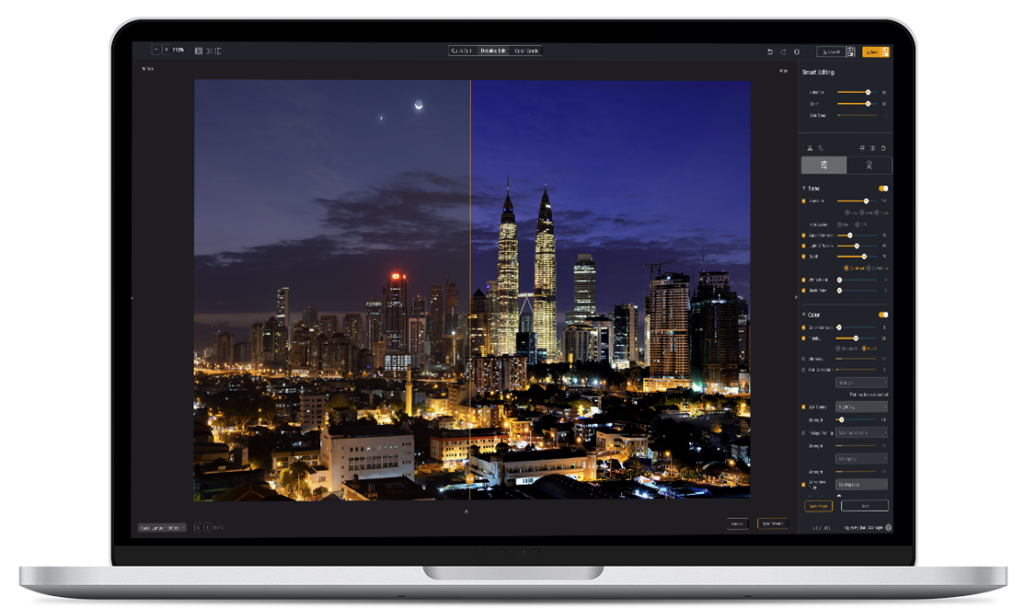
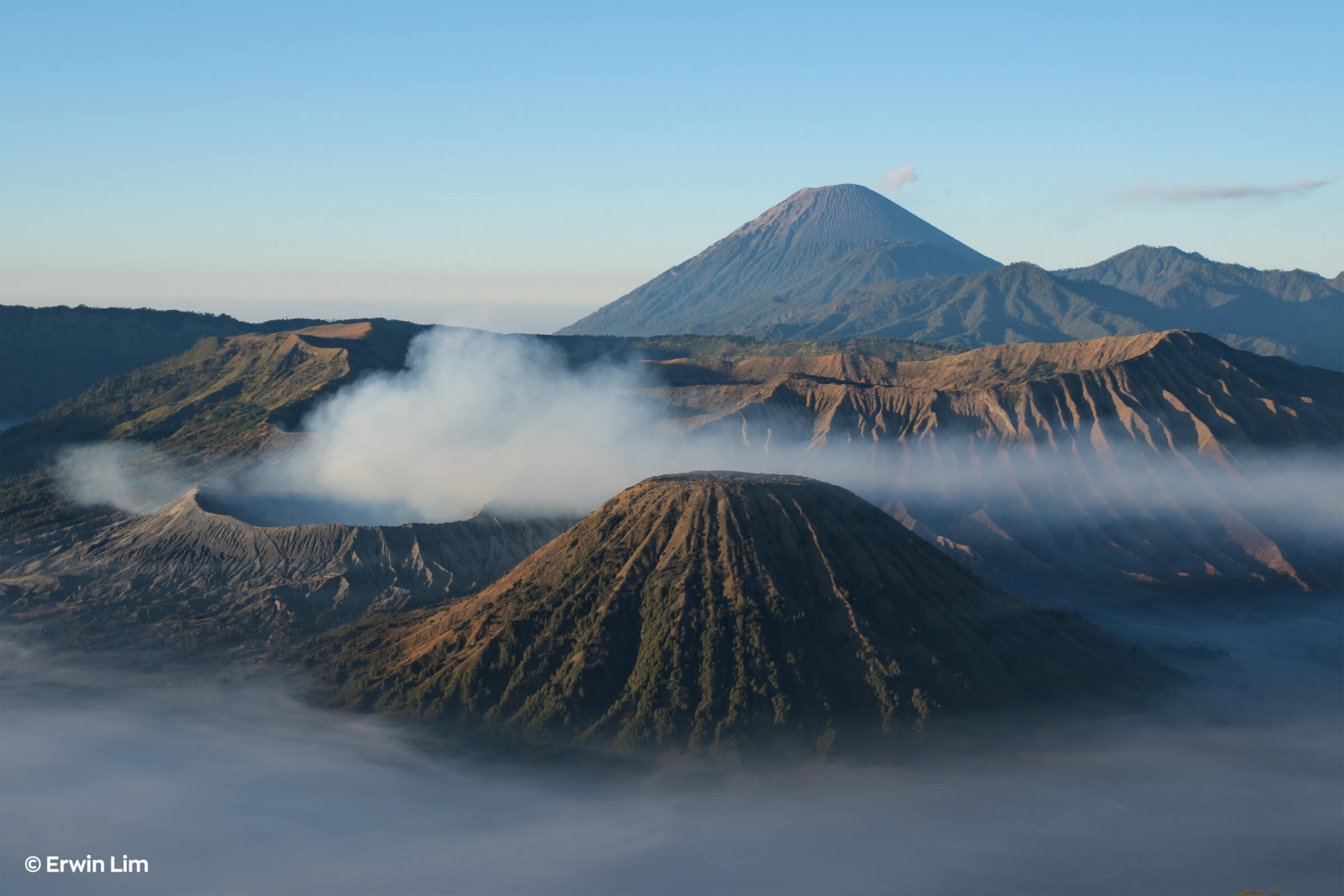
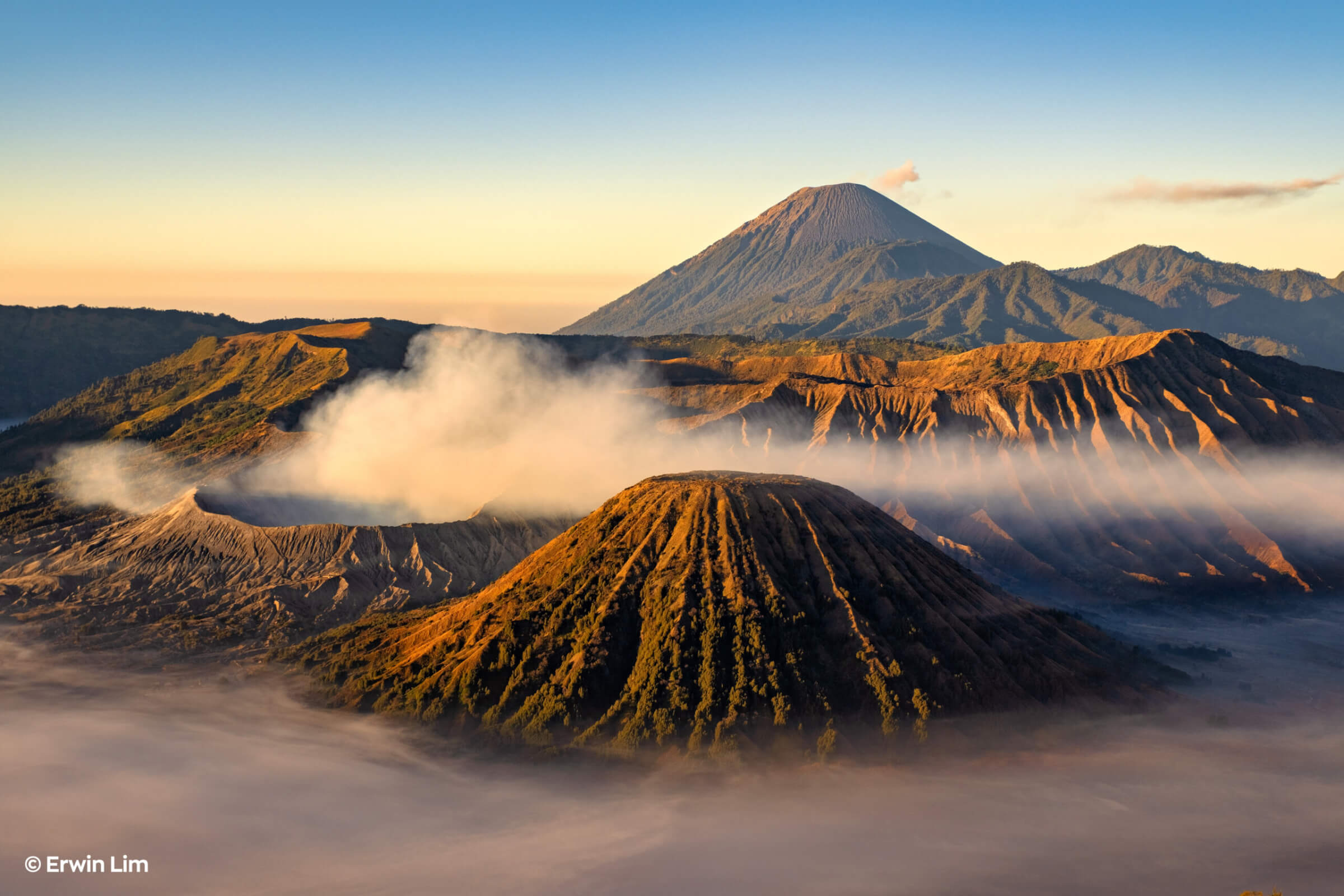
Landscape_ErwinLim_before Landscape_ErwinLim_After
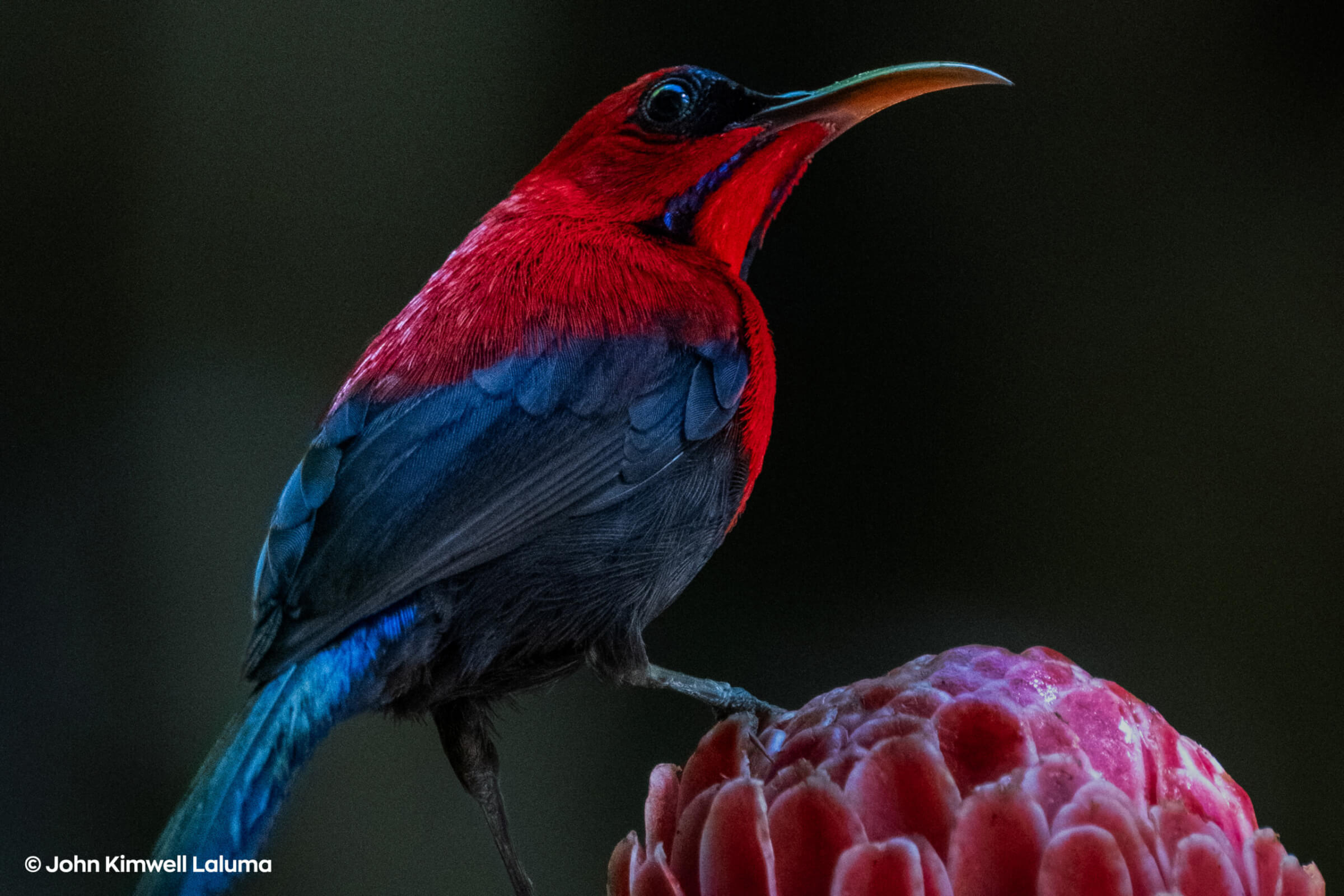
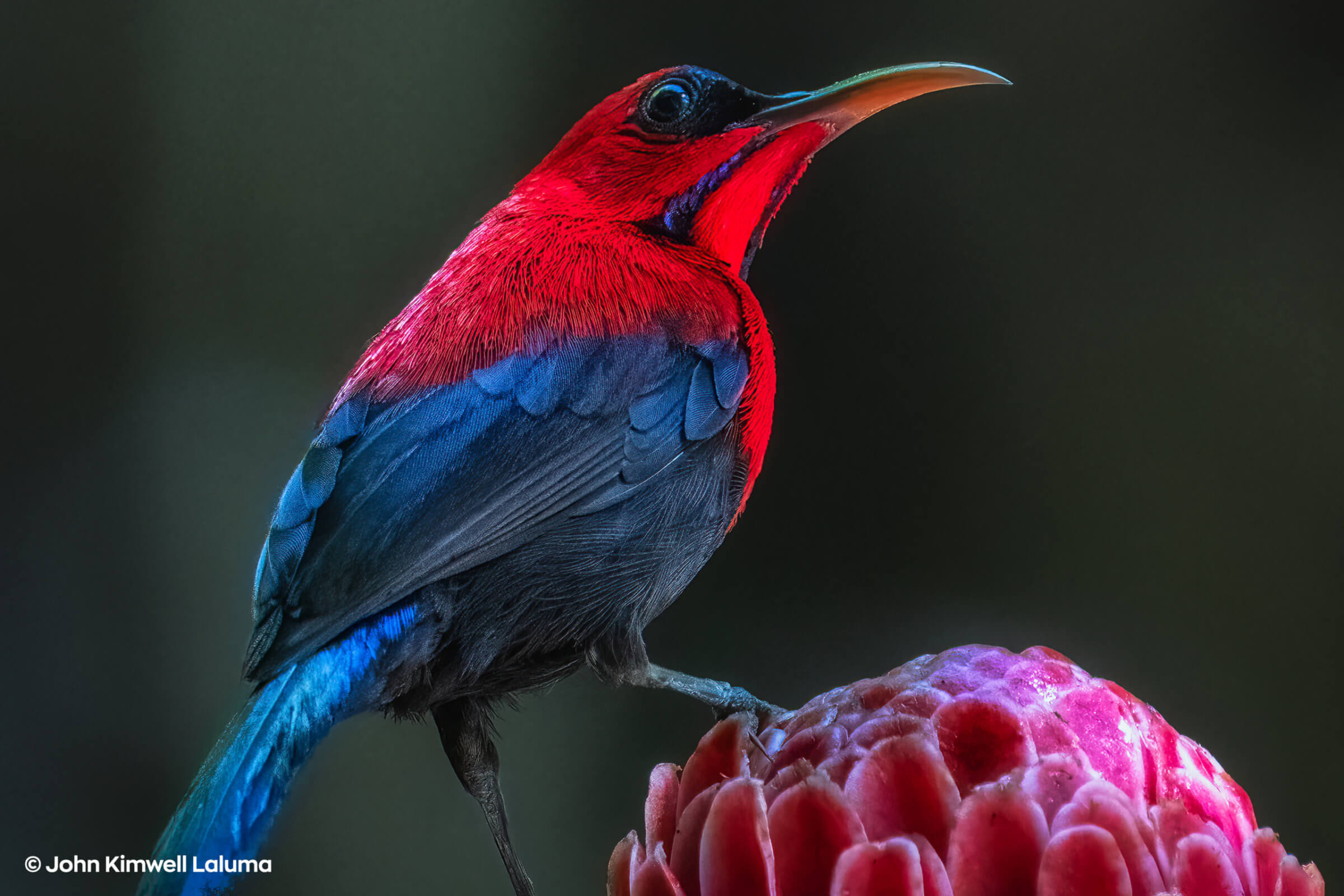
Bird_JohnKimwellLaluma_Before Bird_JohnKimwellLaluma_After
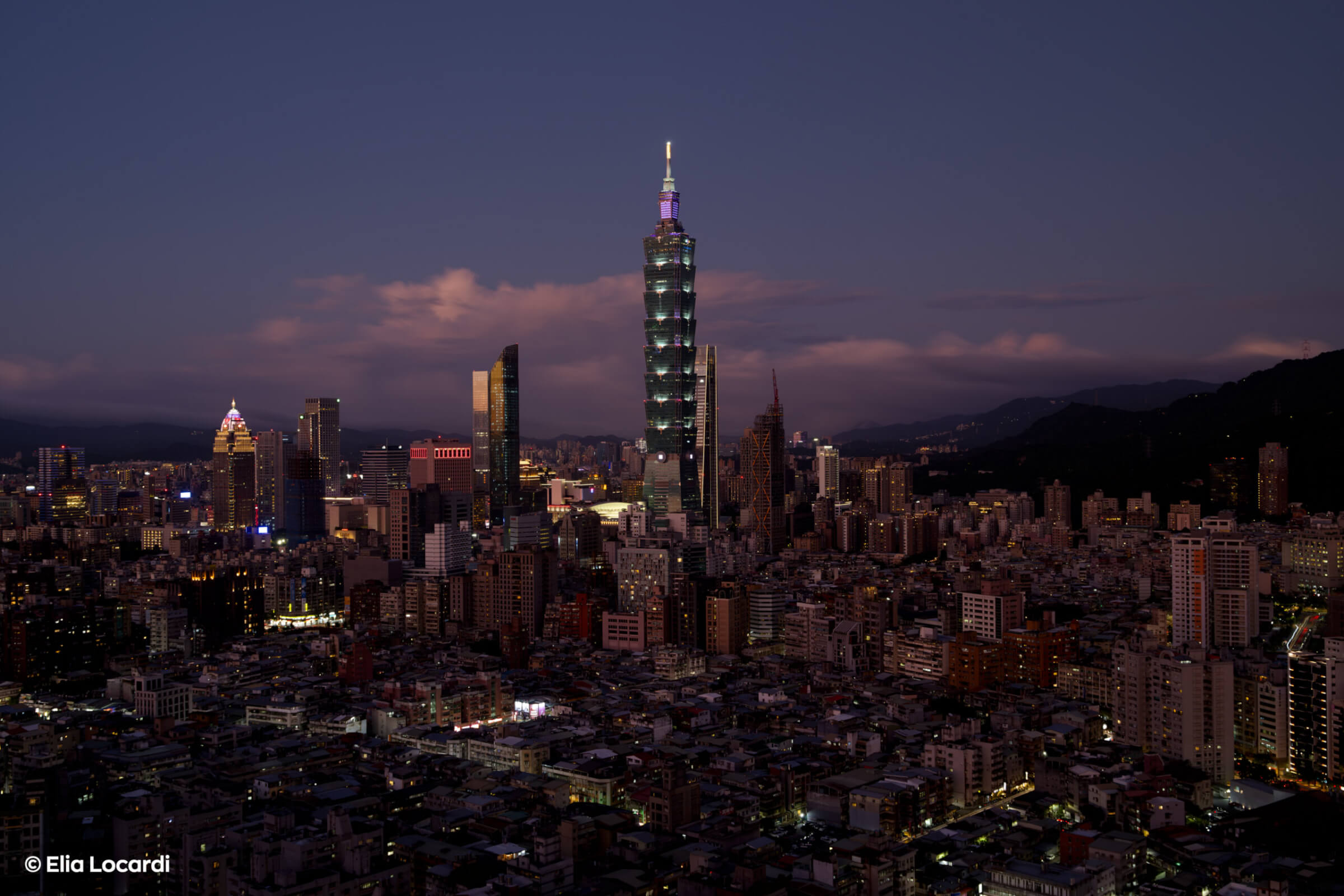
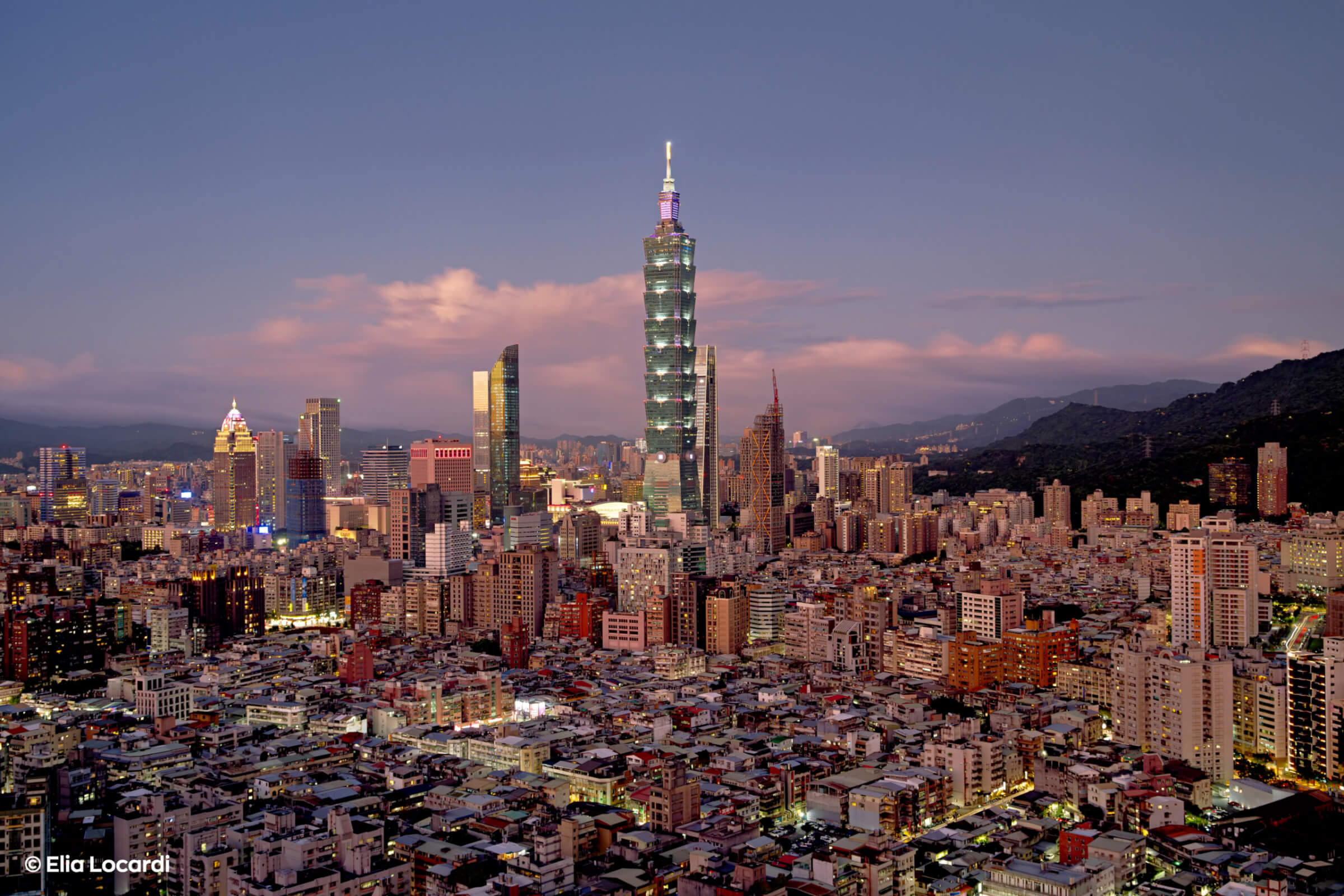
Landscape_EliaLocardi_Before Landscape_EliaLocardi_After
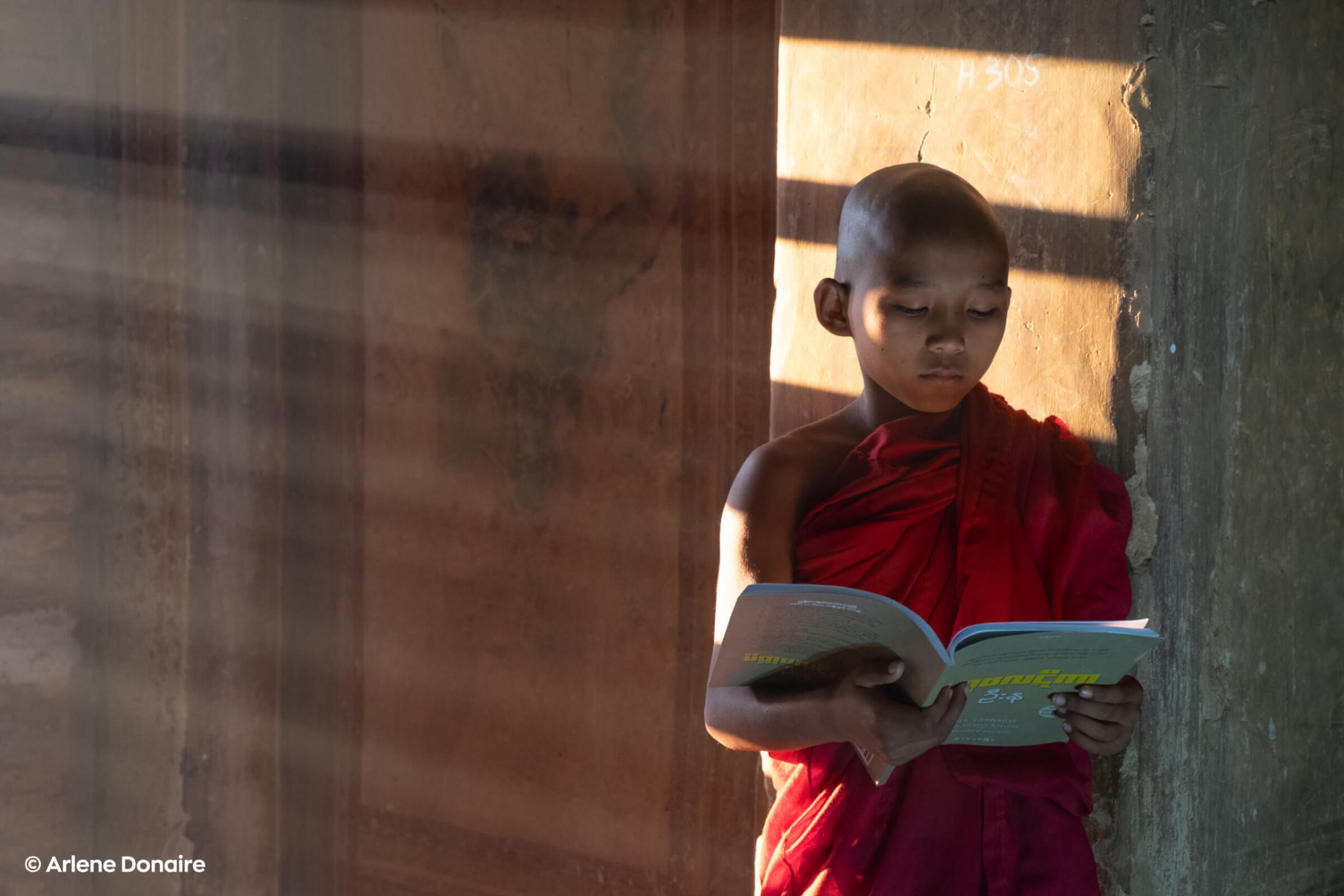
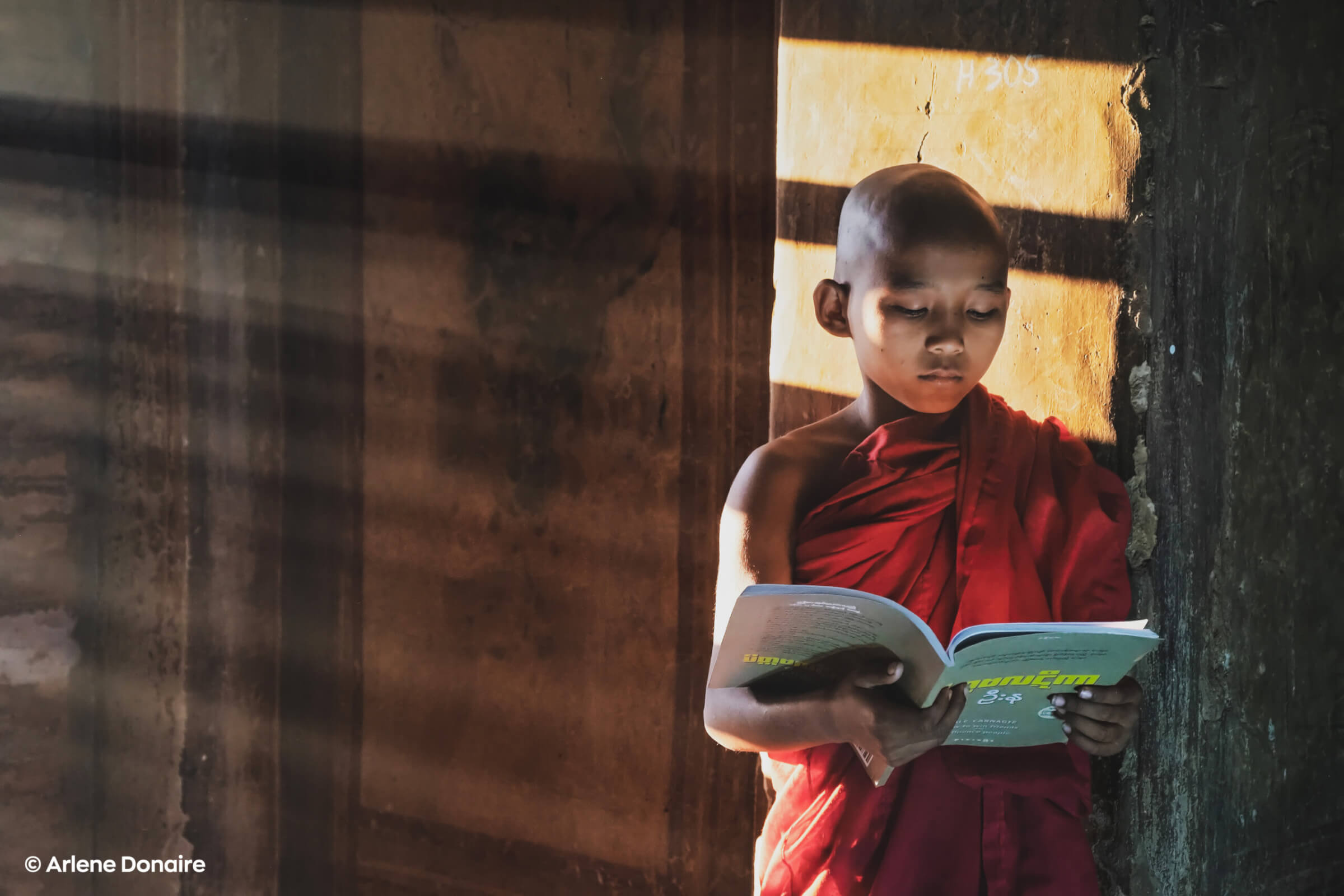
Portrait_ArleneDonaire_Before Portrait_ArleneDonaire_After

See the Difference

Why Radiant

The editing tool that

gets out of your way

Every adjustment is designed to give you outstanding results immediately — not after hours of learning.

01Lightning-fast results
Open an image and Radiant automatically applies smart corrections. Most edits are done in 1–3 minutes. No presets to sort through, no sliders to guess.
02Clean interface, zero clutter
Your photo stays the focus — not the menus. Tools are logically arranged and easy to discover, so you spend time creating, not navigating.
03Stunning results out of the box
Radiant analyses each image and applies intelligent corrections. Photos look dramatically better before you touch a single slider.
04not over-edited
The result is sharp, clear, and believable. Radiant enhances without making images look artificial, so you can trust the results across a wide range of photos.
05Photo editing anyone can do
Designed for beginners and busy professionals alike. Sliders and controls behave predictably, making it easy to get great results without a steep learning curve.
06Non-destructive AI + Smart Batch
Every adjustment remains fully editable. Customizable workspaces adapt to your editing style, and smart batch export makes handling efficient and consistent.
Scene Detection · AI

Knows your scene

before you do

Radiant Photo analyses what’s in the frame — portrait, landscape, birds, pets — and applies scene-specific corrections automatically. Less time fine-tuning, better starting point for every shot.

Workflows take this further: purpose-built editing tools for Landscape, Portrait, Birds and Pets with presets calibrated for each genre — giving you a genre-perfect result in a single click.

Integration · Workflow

Fits right into

your existing workflow

Use Radiant Photo as a standalone app or as a plugin inside Photoshop, Lightroom Classic, or Apple Photos. No workflow disruption — just better results, faster.

Everything is non-destructive. Customizable workspaces adapt to your editing style and smart batch export makes handling large sets of images efficient and consistent.

Works as Plugin in 
Photoshop · Lightroom Classic · Paint Shop Pro

Non-destructive

round-trip editing

Smart Batch

export built in

Trusted by photographers worldwide

Fstoppers
Fstoppers
Mel Martin
Although I'm quite capable of doing a good manual edit on my files, I liked the head-start Radiant Photo gave me. It could 'see' and offer suggestions for things I might have never noticed. At no time did it make bad suggestions." "I've noticed that the AI controls never clip high levels and always respect black levels. It also nicely cleans up color casts that can be tricky to fix manually.

Check out the article
Digital Camera World
Rod Lawton
Radiant Photo is extremely effective at turning regular photos with all their flaws into bright, vibrant, crisp images that everyone will love, images that might even surprise you as the photographer. It’s easy to see how this could become an invaluable tool for professional photographers who need to produce sparkling and engaging images quickly and in bulk.

Check out the article
Digital Photo Magazine
Joerg Rieger
In fact, it was astonishing in our test what the software can extract even from - in our view - perfectly edited motifs, even in automatic mode. [...] In addition, we like the way that the result of the artificial intelligence can still be adjusted to personal taste if desired.

Check out the article
Radiant Workflows

Genre-perfect results,

one click away

Purpose-built editing tools for the four most popular photography styles. Each Workflow includes scene-specific presets, custom corrections and expert-tuned defaults.

Landscape Workflow

Enhance skies, boost natural colours and bring out the detail in wide-angle shots. Perfect for travel and nature photography.

Portraiture Workflow

Natural skin tones, smooth retouching and flattering light — without the plastic look. For studio and natural-light portraits alike.

Birds Workflow

Razor-sharp feather detail, perfect exposure for sky backgrounds, and fast batch-export for high-volume shoots.

Pets Workflow

Capture personality and detail in every shot. Optimised corrections for fur texture, eye clarity and indoor lighting.

Simple Pricing

Choose your way.

Pick the package that fits — if you’re not satisfied, we offer a 30-day money-back guarantee. No risk. Just beautiful photos.

iOS Radiant Camera App

Capture beautiful images directly on your iPhone with the Radiant iOS Camera App. It is a simple way to enjoy the Radiant look in a fast, mobile-first experience built for everyday photography, quick sharing, and creating on the go.
Flash Deal: $0 (was $39)
  • Familiar handling
  • Capturing with ease
  • Completely native

Desktop

Bring the full Radiant experience into your desktop workflow and edit with speed, control, and beautifully natural results. Ideal for photographers who want powerful enhancement tools and creative flexibility in one streamlined solution.
3-month-trial
  • Fast editing
  • Natural results
  • More control
Popular

Photo & Video Editor for Android & iOS

Always & Everywhere:
Experience Radiant on Android and iOS with a mobile editing workflow built for speed, simplicity, and great-looking results. Radiant helps you create stunning images with ease.
Freemium
  • Fast workflow
  • Vibrant images
  • Easy editing

FAQ

Common questions

What is Radiant Photo 2?

Radiant Photo 2 is a photo editing app for Windows and macOS that uses scene-aware AI to deliver professional-quality results fast. It works as a standalone app or as a plugin inside Photoshop, Lightroom Classic, and Apple Photos. All processing happens locally on your computer — no cloud upload required.

Does Radiant use generative AI to alter my photos?

No. Radiant Photo does not use generative AI to add, remove, or invent content in your images. Our AI analyses your scene and applies intelligent corrections — exposure, colour, detail — while always respecting your original pixels. Your photos remain authentic.

Is my data uploaded to the cloud?

Never. All image processing happens entirely on your local computer. Your photos are never uploaded to our servers or any third-party cloud service. This is one of our core design principles and will not change.

What is Radiant Toolkit and how does it work?

Radiant Toolkit is our optional subscription ($50/year after the first year, which is free with any software purchase). It gives you $15/month credit to spend in the Radiant Marketplace on new Looks Packs, Workflows, and more. Credits reset monthly and do not accumulate.

What are Workflows?

Workflows are purpose-built editing modules for specific photography genres — Landscape, Portrait, Birds, and Pets. Each Workflow includes scene-specific AI corrections, expert-tuned presets, and custom controls calibrated for that genre. They are add-ons to Radiant Photo 2 and can be purchased individually or as part of a bundle.

What is your refund policy?

We offer a 30-day money-back guarantee on all purchases. If you are not satisfied, contact our support team within 30 days of purchase and we will process a full refund — no questions asked.

Start your free trial

30 days without limitation

Standalone & Plug-ins

No payment details required

Are you already convinced? Buy now…