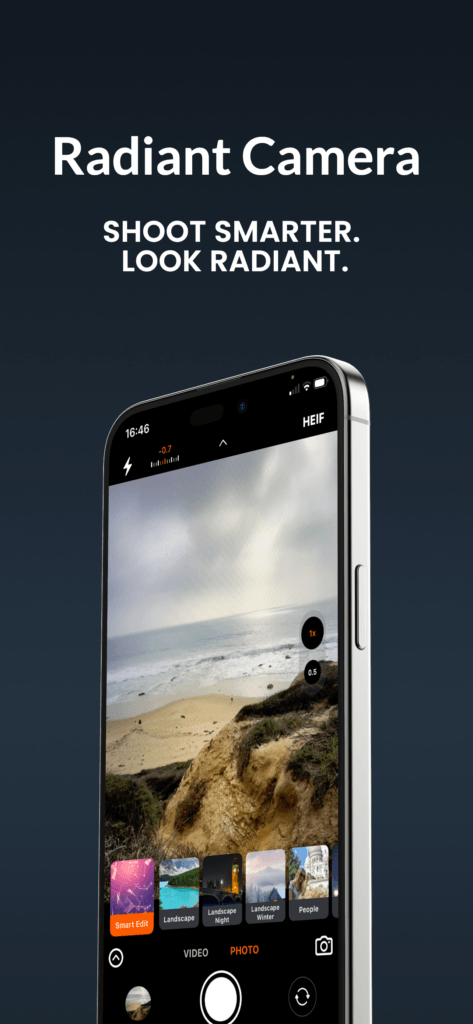
Radiant Camera
Shoot Smarter. Look Radiant.
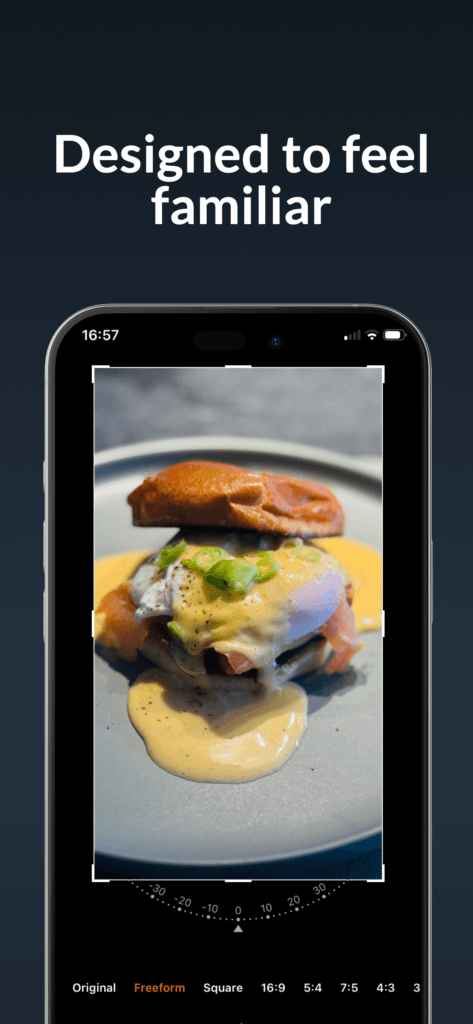
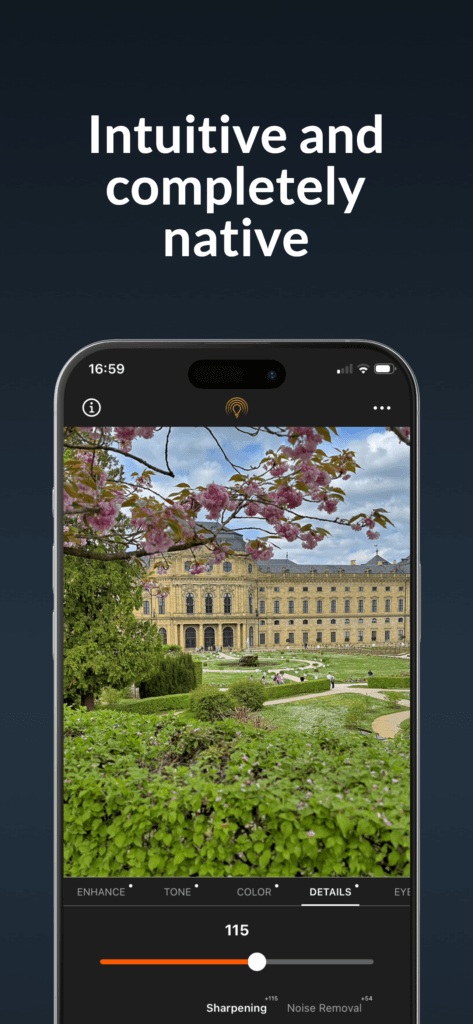
Radiant Photo AI Camera takes everything you love about Radiant Photo’s award-winning image science and brings it directly into your viewfinder. It’s fast, intuitive, and built on Apple’s own AV Foundation for a completely native experience. Every tap, every swipe, every pixel—designed to feel familiar, but perform far beyond.
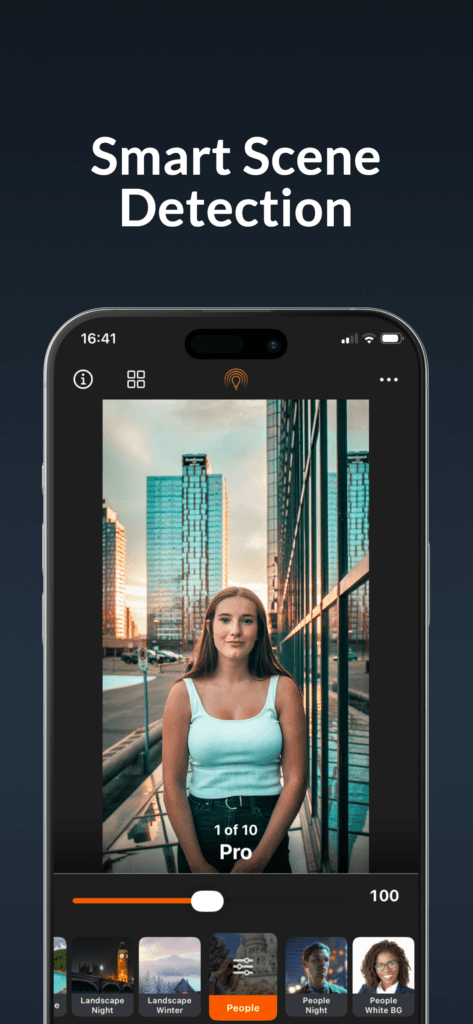
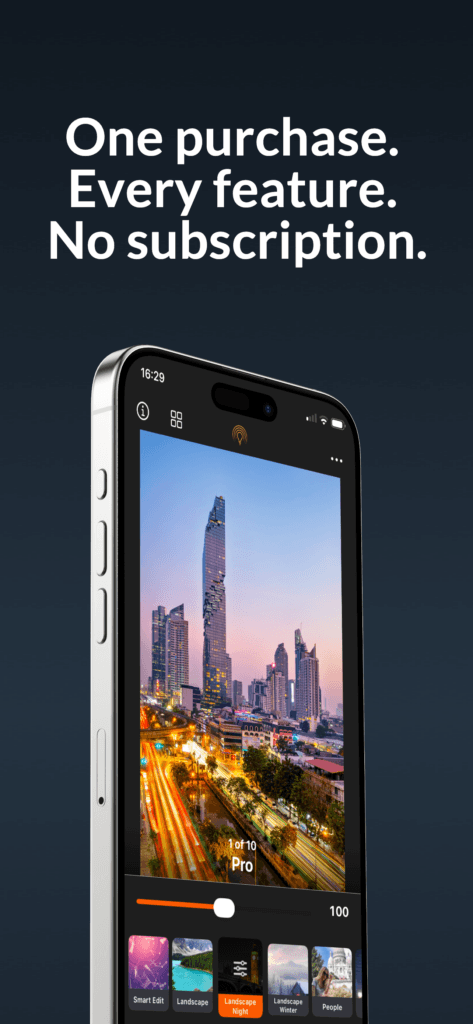
Intelligent scene detection powered by Radiant Photo’s Core Workflow
Fine-tune with a single slider—or open advanced tools for precision control
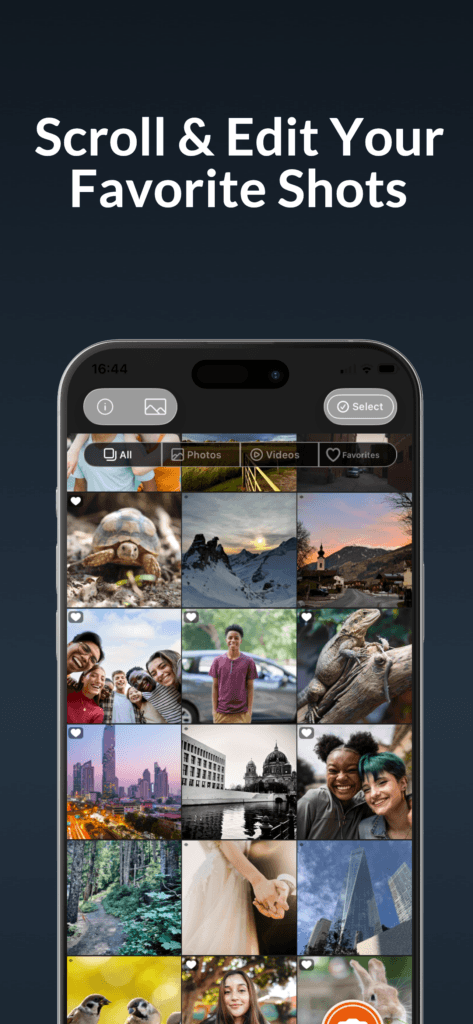
Non-destructive edits saved to your Photos library; originals stay yours
Want to learn more about the Radiant Camera Ecosystem and all its apps? Learn more
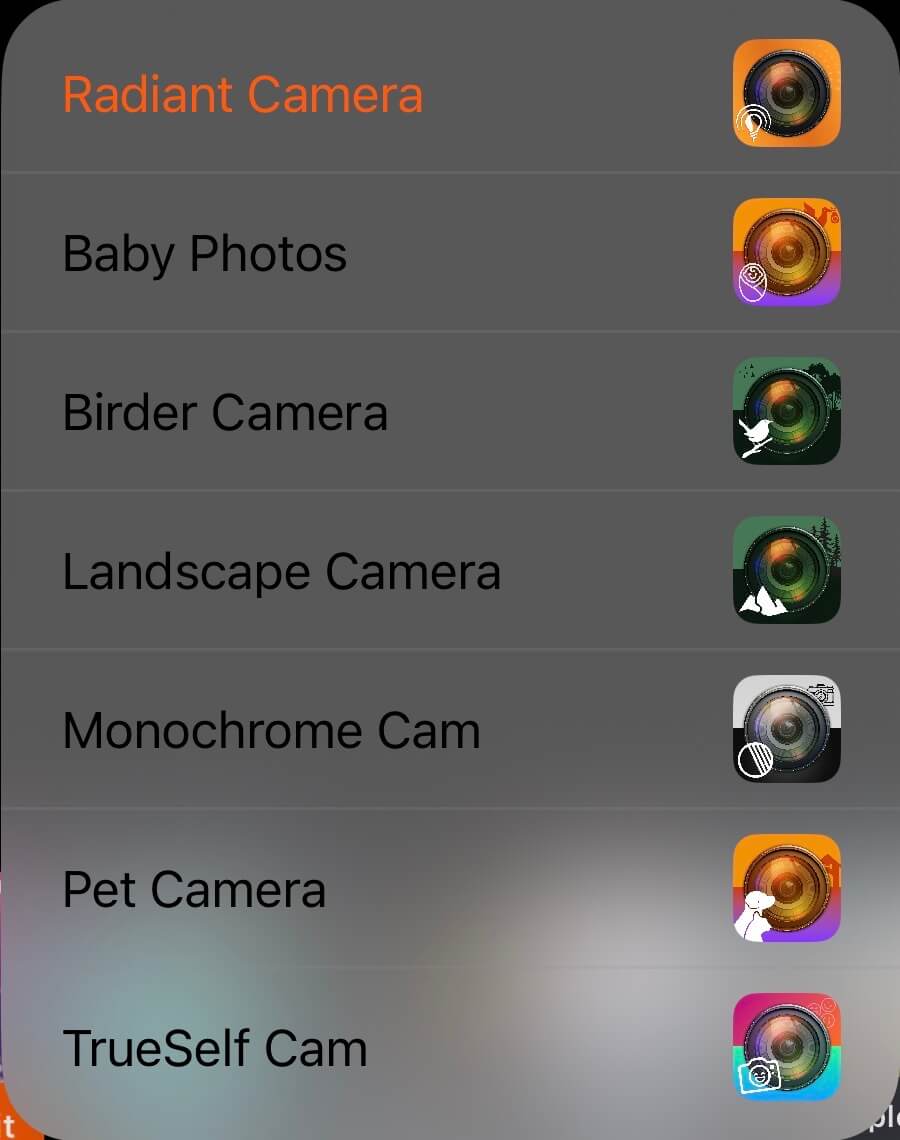
Discover the App Switcher – effortless transitions, endless possibilities
The App Switcher brings all your Radiant apps together in one seamless experience. Instantly move between the tools you already own or explore related apps that can elevate your creative workflow. Your purchased apps appear at the top, with additional options sorted below, making it easy to find exactly what you need. A single tap lets you switch in an instant: if an image is open, it transfers directly and unedited into the selected app; if no image is open, the app launches right away. And if an app isn’t installed yet, you’re taken straight to its App Store page.
The App Switcher makes your workflow faster, smarter, and more intuitive—unlocking smooth creativity without interruption.
Why photographers love it
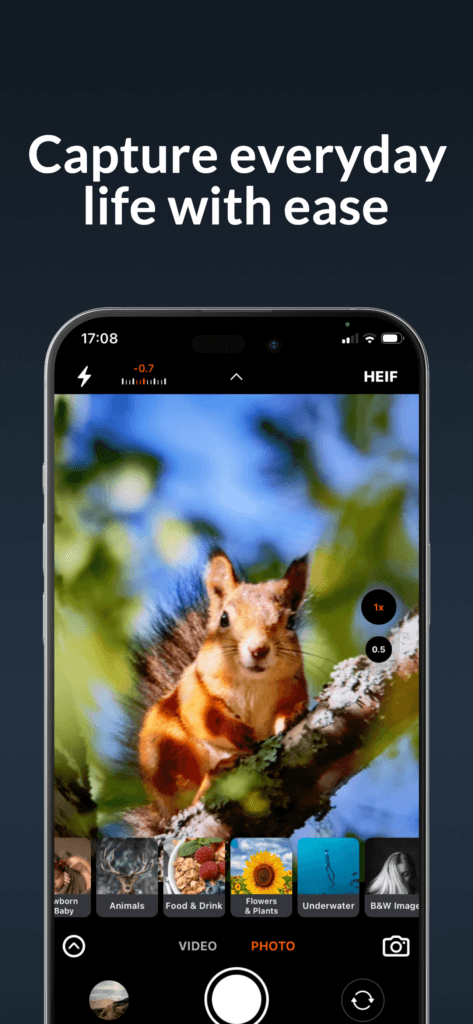
• Intelligent AI scene detection (portrait, landscape, pet, macro, night) • Native Apple AV Foundation integration for maximum quality • Real-time tone mapping and highlight protection • Adaptive exposure and color balance powered by Radiant Photo • One-tap RAW / HEIC / JPEG switching • Built-in hybrid editing with Radiant Photo Looks • Non-destructive Camera Roll saves • Minimal interface, pro-level depth • Optimized for iPhone 14 Pro and later
Easy to use
No gimmicks. No distortion. Just you—beautifully and confidently.Shoot → Swipe → Share. 1. Capture with the built-in camera; the Radiant editor opens automatically 2. Suggest: On device analysis provides context-aware refinements that preserve natural tones, texture, and mood 3. Swipe through portrait styles (audition quickly with Lenses) 4. Fine-tune with a single slider—or open advanced tools for precision 5. Save non-destructively to your Photos library and share anywhere All the tools can even be used in a speed editing mode driven by a single thumb... one of the fastest and easiest editing tools you'll find. Edits are non-destructive and metadata-safe, saved directly to your Camera Roll—your image, your light, your story.
Privacy matters
- Beautiful results, kept private - No image data or personal information is uploaded for editing. - No face data or personally identifiable data is stored or shared by the app - Radiant Imaging Labs never collects or inspects your images or data. - Non-destructive edits saved to your Photos library; your originals stay yours - All processing—including AI—runs locally on your device. - Sharing only occurs when you choose to share with the standard iOS Share Menu
Powerful results, still simple
- On-device AI analyzes the scene for natural, artifact-free enhancement - Radiant Photo engine provides deeper tools when you need them - Edits are non-destructive; your originals stay yours in the Photos library
Pricing Details – choose Free or Plus
Free (forever)
- Use built-in recipes and auto-enhance tools
- Process your photos with no ads and no watermarks
Plus (upgrade)
- Customize recipes with the streamlined Lens Editor
- Unlock an expanded toolset and custom LOOKs
- Enhance and share video
Subscription and In-App Purchase Terms
- Payment is charged to your Apple ID at purchase confirmation
- Subscriptions auto-renew unless canceled at least 24 hours before the period ends
- Renewal is charged within 24 hours before the period ends
- Manage/cancel in Settings > [your name] > Subscriptions
- No free trial is offered; you can use the free version indefinitely
- Lifetime is a non-consumable in-app purchase
- Restore purchases after reinstalling or on a new device
System requirements
iOS
iOS Version | iOS 18 or higher (e.g., compatibility with current devices) |
Device | iPhone (and iPad, if supported) with sufficient performance (e.g., A12 chip or newer)
|
Internet connection | required for features such as login, synchronization, in-app purchases |
Permissions | access to camera, microphone, photos |