Skip to content

Birder Camera by Radiant Photo

Capture every feather in flight

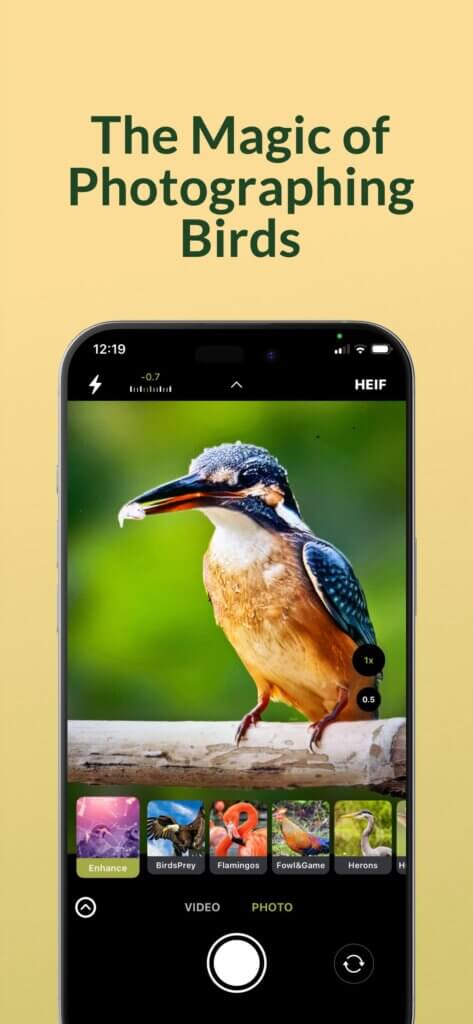
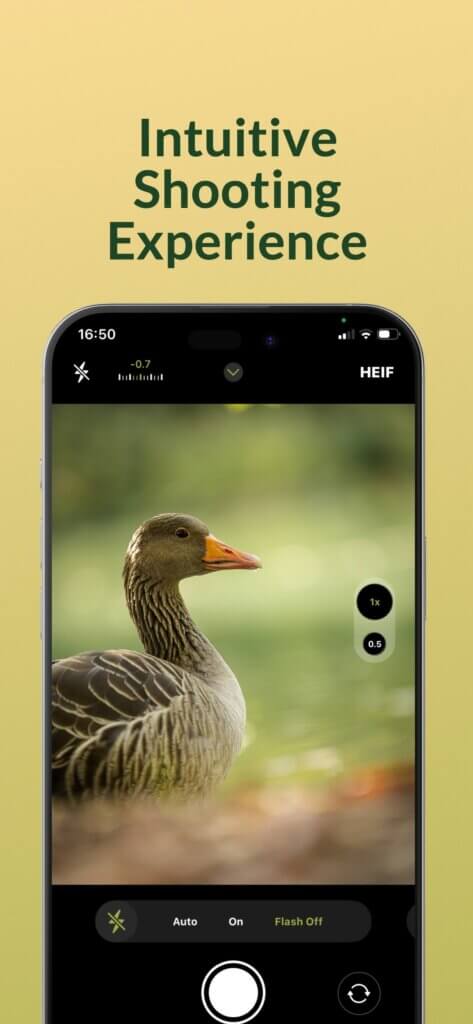
There’s a magic to photographing birds—the patience, the precision, the split-second when beauty takes wing. Birder Camera by Radiant Photo is built for that moment with bird-first exposure, wide dynamic range, and pro-level control on iPhone/iPad.
 
Built on Apple’s native camera technology and refined by photographers who understand the art of wildlife and bird photography, it gives you the tools to capture every detail, from the shimmer of feathers to the emotion of flight.

Feather-level detail: intelligent noise reduction and edge-aware sharpening

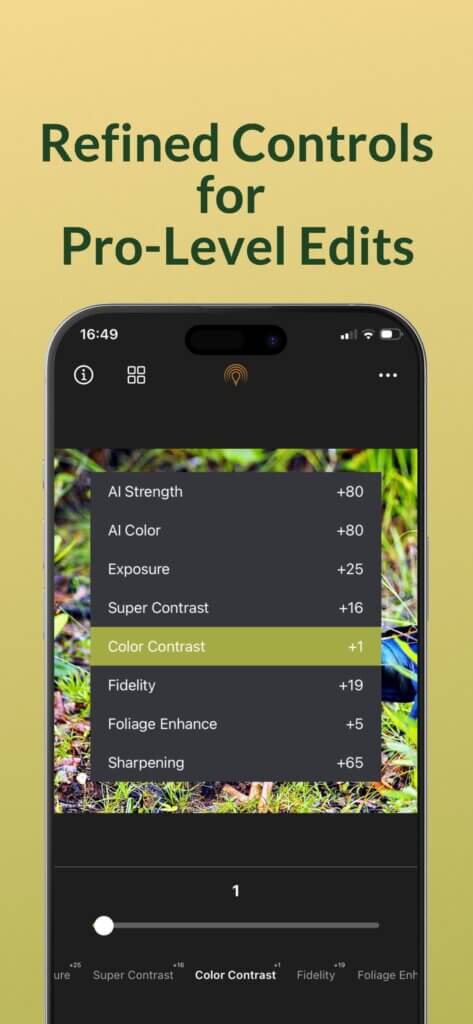
Fine-tune with a single slider—or open advanced tools for precision control

Non-destructive edits saved to your Photos library; originals stay yours

Want to learn more about the Radiant Camera Ecosystem and all its apps? Learn more

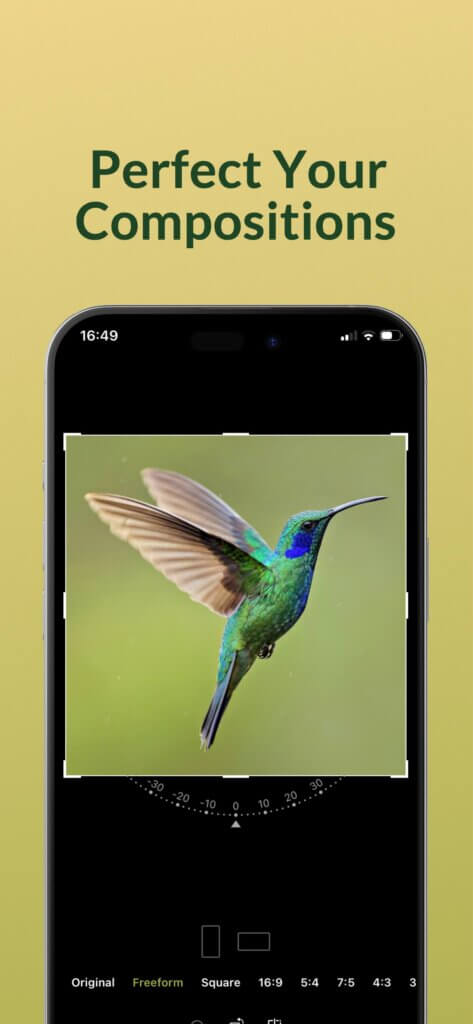
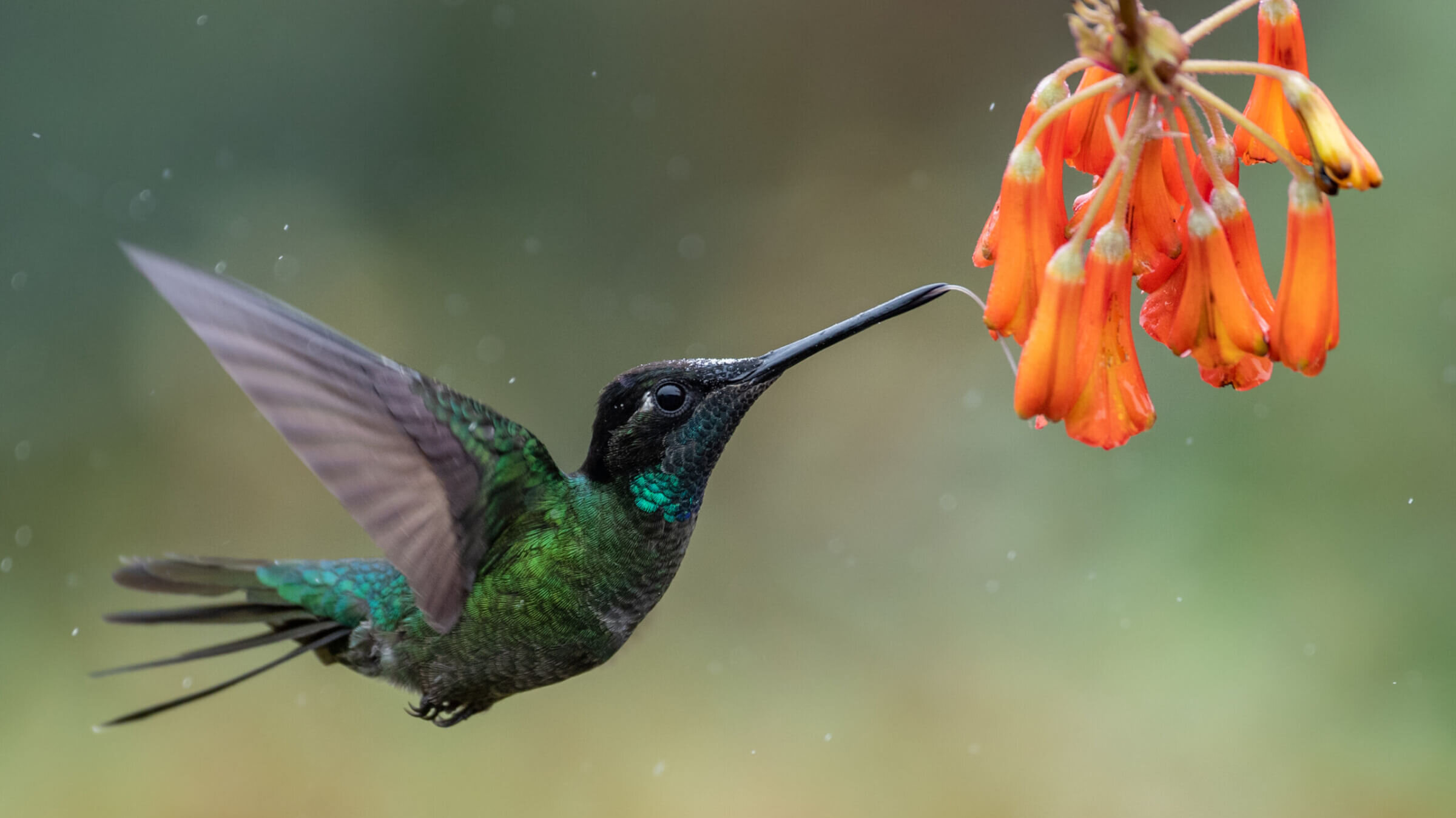
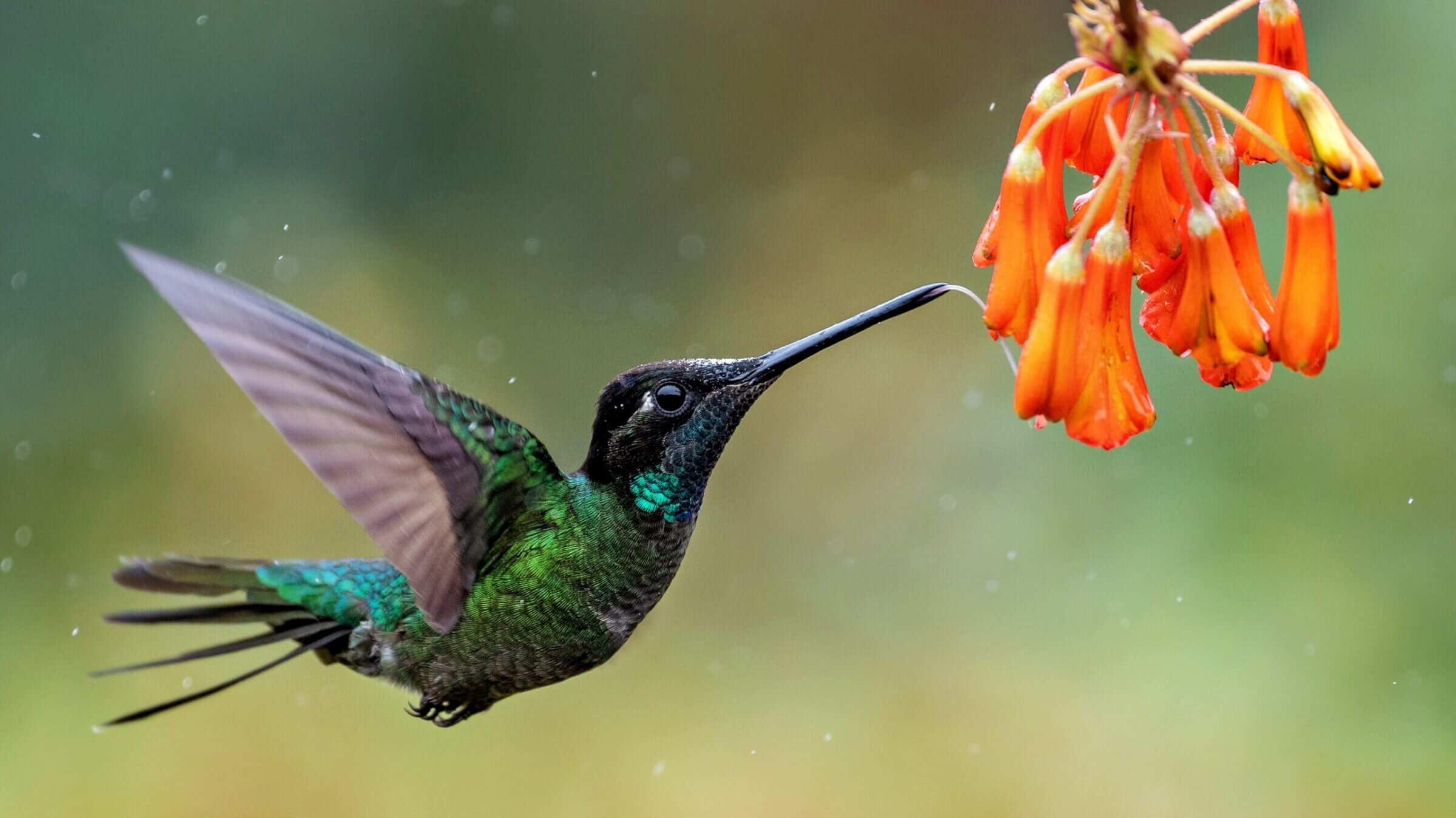
Hummingbird in Costa Rica Hummingbird in Costa Rica

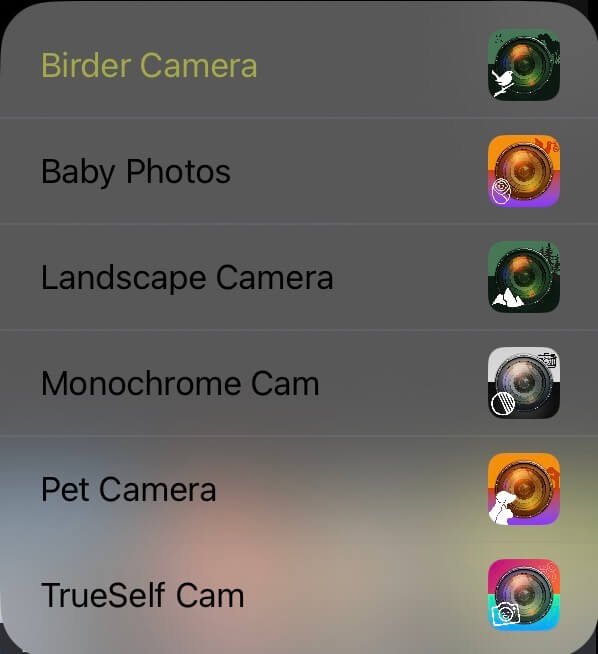
Discover the App Switcher – effortless transitions, endless possibilities

The App Switcher brings all your Radiant apps together in one seamless experience. Instantly move between the tools you already own or explore related apps that can elevate your creative workflow. Your purchased apps appear at the top, with additional options sorted below, making it easy to find exactly what you need. A single tap lets you switch in an instant: if an image is open, it transfers directly and unedited into the selected app; if no image is open, the app launches right away. And if an app isn’t installed yet, you’re taken straight to its App Store page.

The App Switcher makes your workflow faster, smarter, and more intuitive—unlocking smooth creativity without interruption.

Why photographers love it

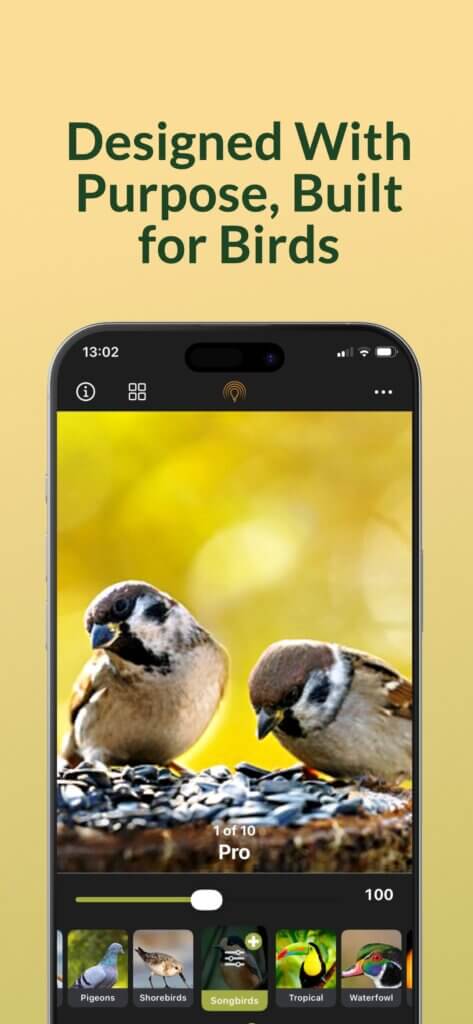
– Bird photography-first pipeline: intelligent exposure, wide dynamic tones, vivid yet natural color
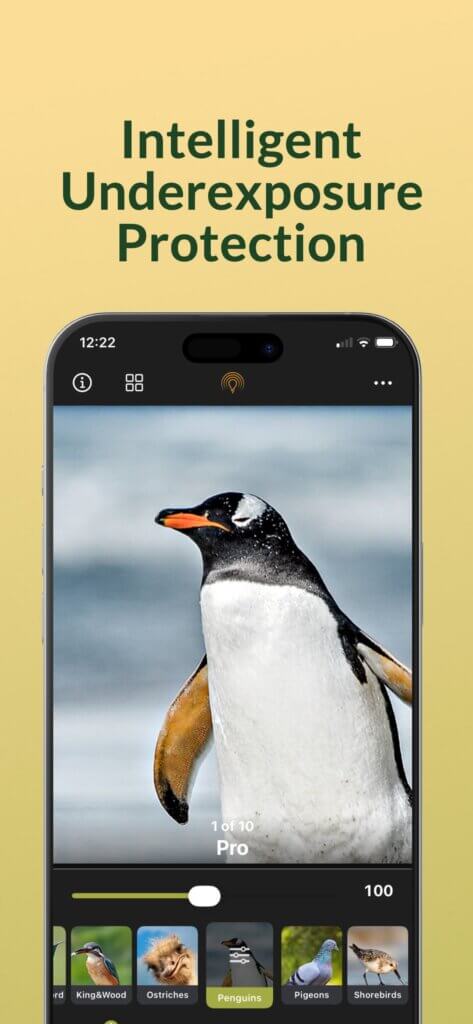
– Highlights & shadows done right: AI-driven dynamic range optimization with natural recovery—no washed skies, no blocked shadows
– Feather-level detail: intelligent noise reduction and edge-aware sharpening
– RAW/ProRAW & 16-bit export: deep color fidelity for grading and print (TIFF/PNG)
– Fast looks for pros: one-tap birding styles and presets you can customize
– Private by design: all processing is on-device—no cloud upload for editing

Works with your Workflow

Edit photos from the built-in camera or from your Photos library—including images imported from your mirrorless/DSLR. Export 16-bit TIFF or PNG for headroom in post and high-quality printing. Ideal for birds in flight (BIF), low-light hides, and high-contrast backlit scenes.

Simple flow: Shoot → Swipe → Share

1. Capture with the built-in camera; the integrated Radiant editor opens automatically (you can also open synced Photos).
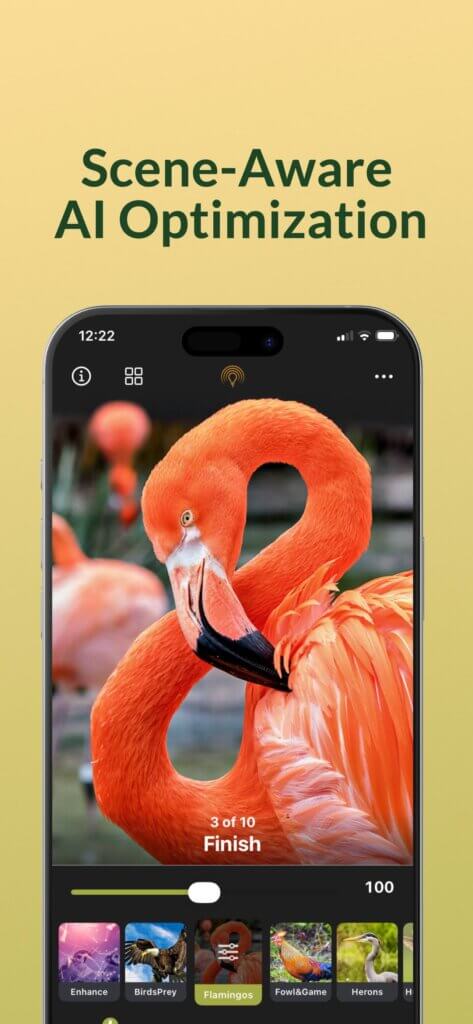
2 Recognize: AI scene recognition analyzes the bird and background to suggest starting points.
3. Swipe through suggested edits and birding styles (audition quickly with Lenses).
4. Fine-tune with a single slider—or open advanced tools for precision control.
5. Save non-destructively to your Photos library and share anywhere.

Privacy matters

- Beautiful results, kept private
- No image data or personal information is uploaded for editing.
- No face data or personally identifiable data is stored or shared by the app
- Radiant Imaging Labs never collects or inspects your images or data.
- Non-destructive edits saved to your Photos library; your originals stay yours
- All processing—including AI—runs locally on your device.
- Sharing only occurs when you choose to share with the standard iOS Share Menu

Powerful results, still simple

– On-device AI analyzes the scene for natural, bird-friendly improvements
– Radiant Photo engine unlocks deeper editing when you want it
– Non-destructive edits saved to your Photos library; originals stay yours

Pricing Details – choose Free or Plus

Start with the forever-free version of Birder Camera by Radiant Photo and access powerful auto-enhancement tools without any ads or watermarks.
Ready for even more creative control? Upgrade to Birder Camera by Radiant Photo Plus.
Free (forever)
  • Capture Photos and Videos directly to your native camera roll
  • Use convenient on-screen controls to improve the photo during the capture stage.
 
Test Drive the full controls
  • See how subject detection and edits are suggested
  • Change visual styles with just a tap and a swipe with the Lens Editor
  • Explore the detailed editing tools to preview their effects
  • Customize recipes with the streamlined Lens Editor
  • Unlock an expanded toolset and custom LOOKs
  • Enhance and share video and videos
  • Save finished files to the native Apple camera roll with nondestructive edits
  • Export high-quality images as 16-bit TIFF or PNG files for printing or wide dynamic range displays
  • Process your photos with no ads and no watermarks
 
Available via in-app purchase: monthly/annual subscription or one-time Lifetime.
Pricing varies by region. All upgrades are offered as in-app purchases.
  • Payment is charged to your Apple ID at purchase confirmation
  • Subscriptions auto-renew unless canceled at least 24 hours before the period ends
  • Renewal is charged within 24 hours before the period ends
  • Manage/cancel in Settings > [your name] > Subscriptions
  • No free trial is offered; you can use the free version indefinitely
  • Lifetime is a non-consumable in-app purchase
  • Restore purchases after reinstalling or on a new device

System requirements

iOS

iOS Version
iOS 18 or higher (e.g., compatibility with current devices)
Device
iPhone (and iPad, if supported) with sufficient performance (e.g., A12 chip or newer)
Internet connection
required for features such as login, synchronization, in-app purchases
Permissions
access to camera, microphone, photos
Privacy Overview

This website uses cookies so that we can provide you with the best user experience possible. Cookie information is stored in your browser and performs functions such as recognising you when you return to our website and helping our team to understand which sections of the website you find most interesting and useful.